
On this page
Sometimes, a sender may need to cancel a document after sending it for signature. With Sign Made Easy, this can be done easily in just a few clicks. eSignature for Salesforce helps users manage transactions smoothly. In this blog, we will follow the complete steps to decline a transaction using eSign for Salesforce.
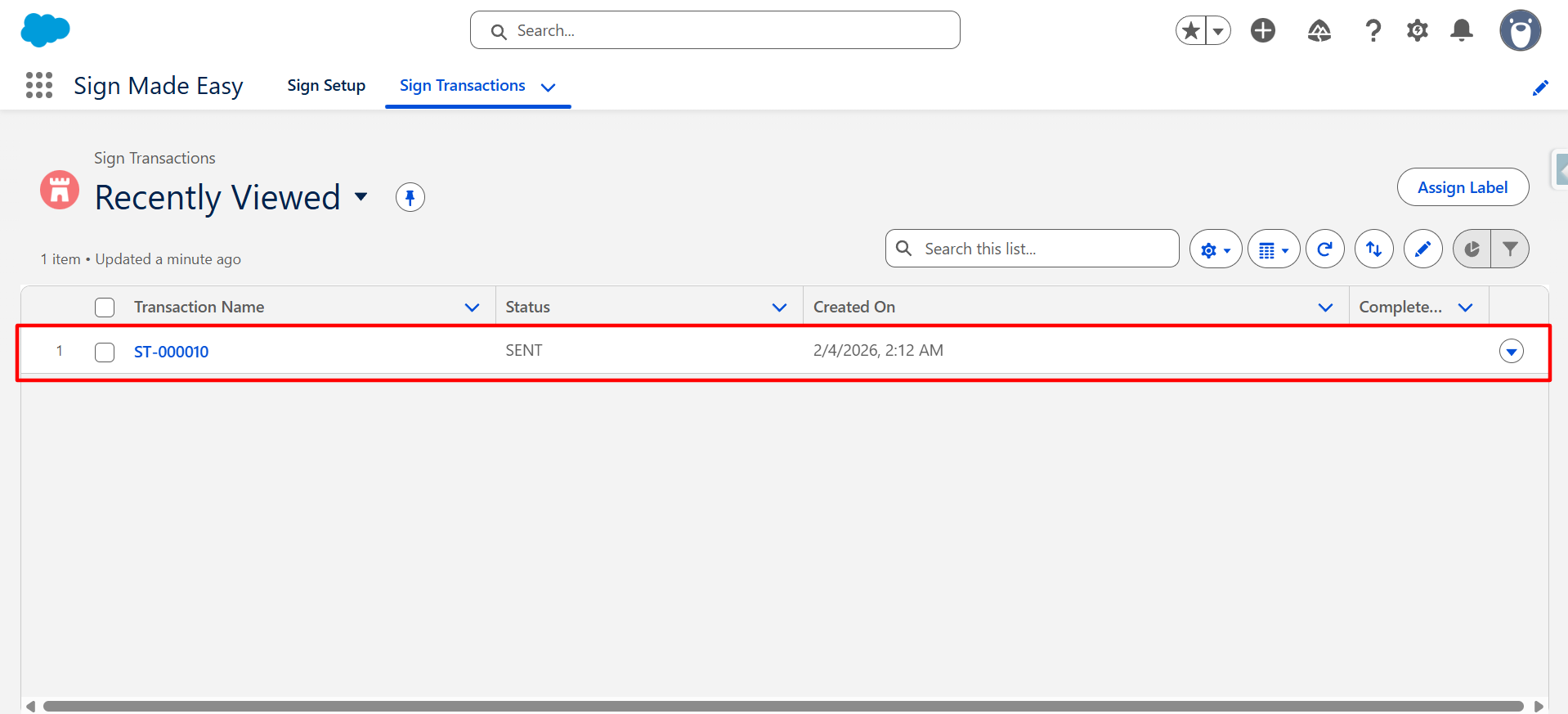
Step 1: Navigate to the Sign Transactions object and open the sign transaction record that the sender wants to cancel.
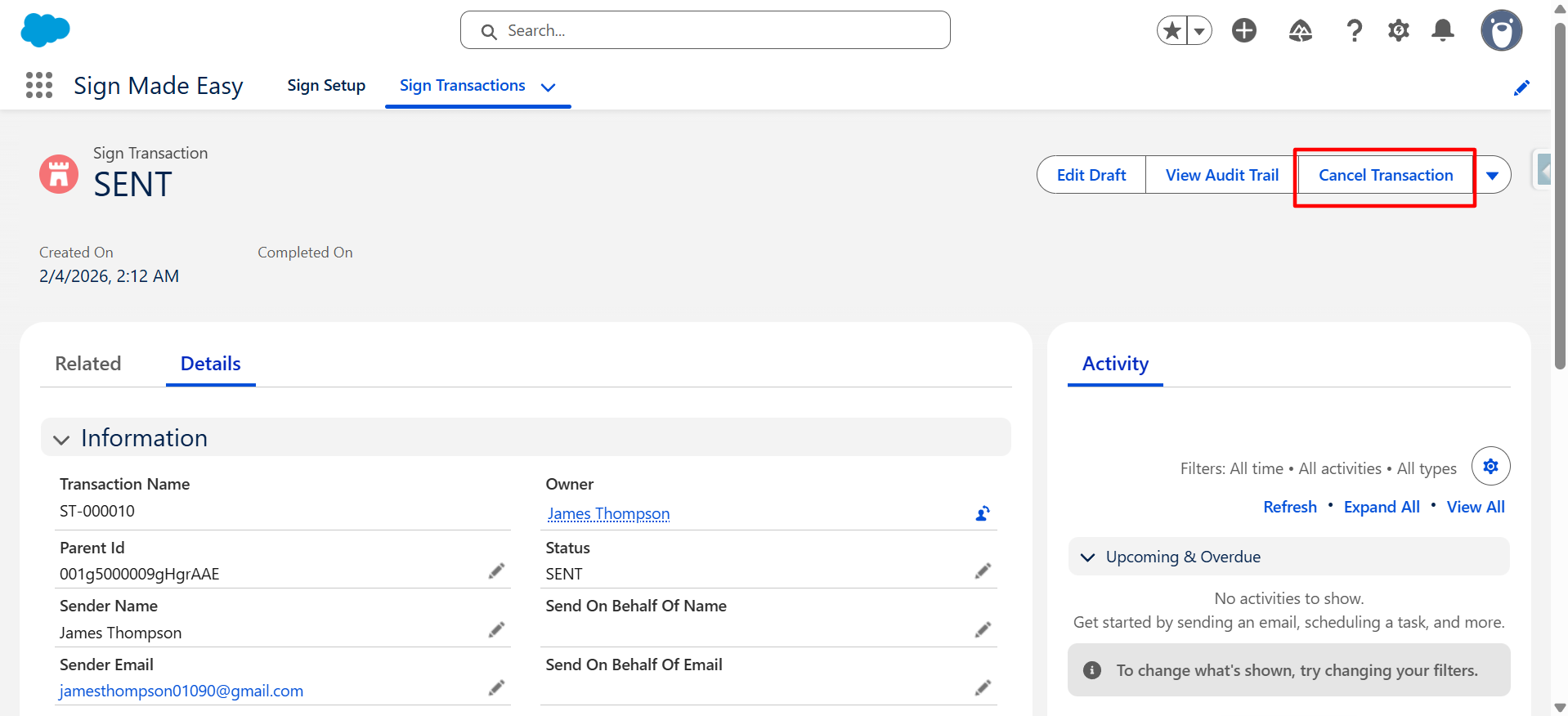
Step 2: Click on the Cancel Transaction button.
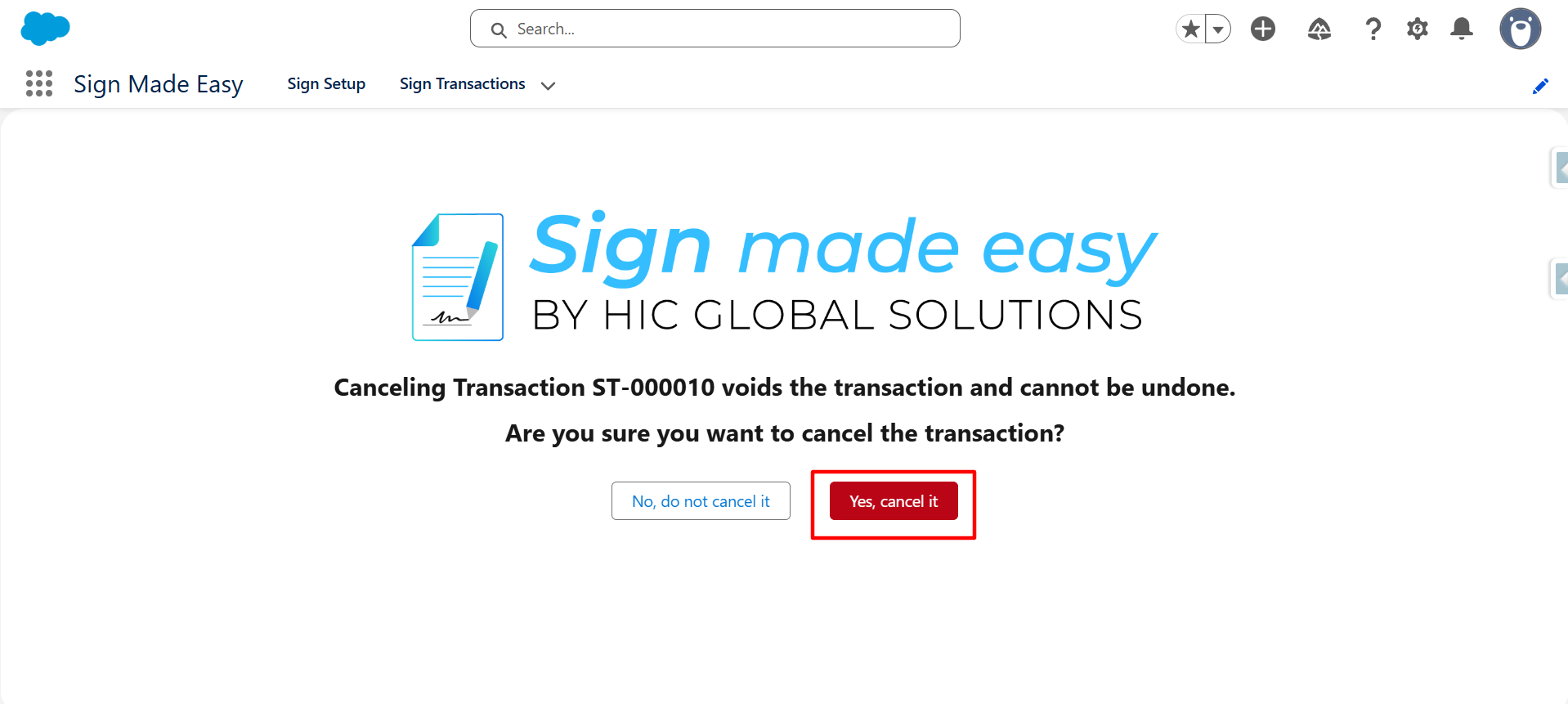
Step 3: Click on the Yes, cancel it button.
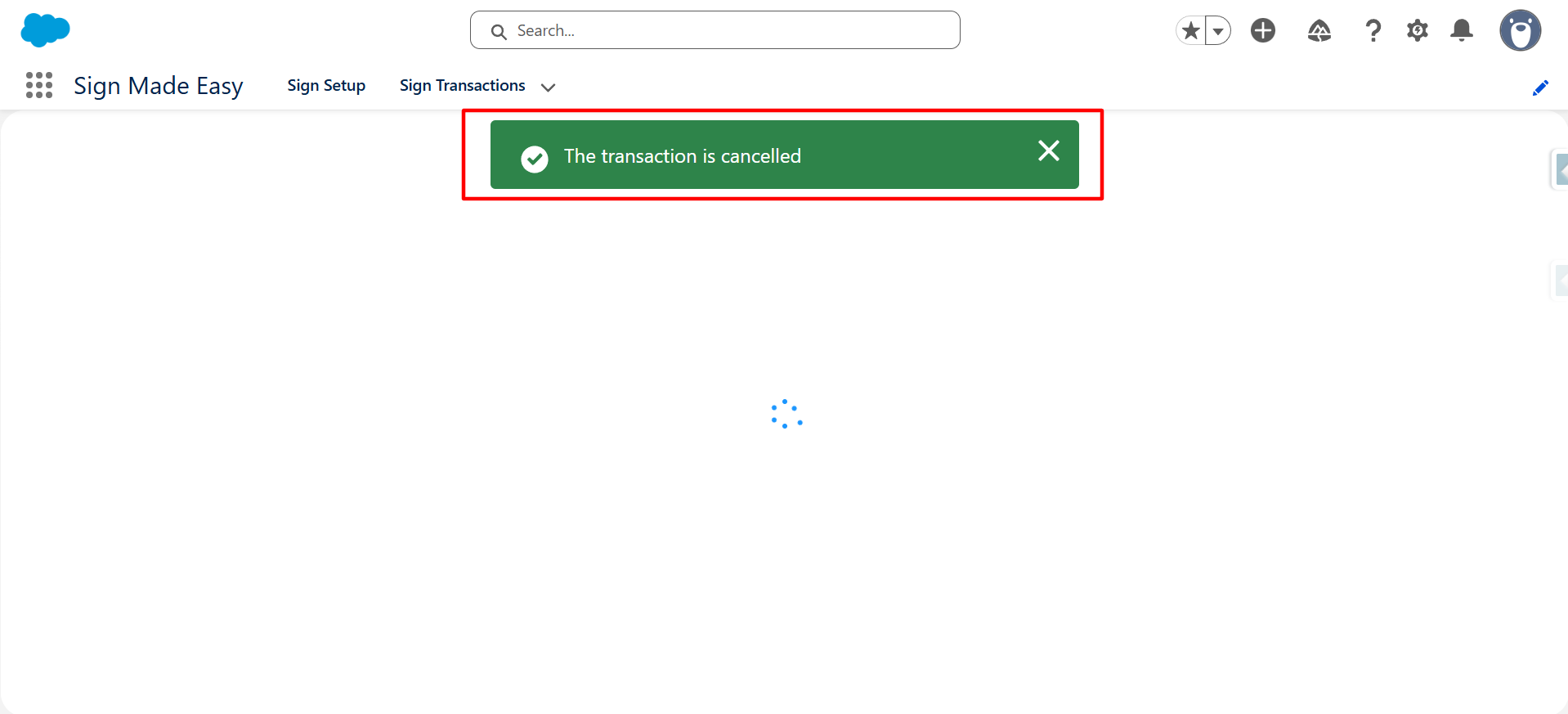
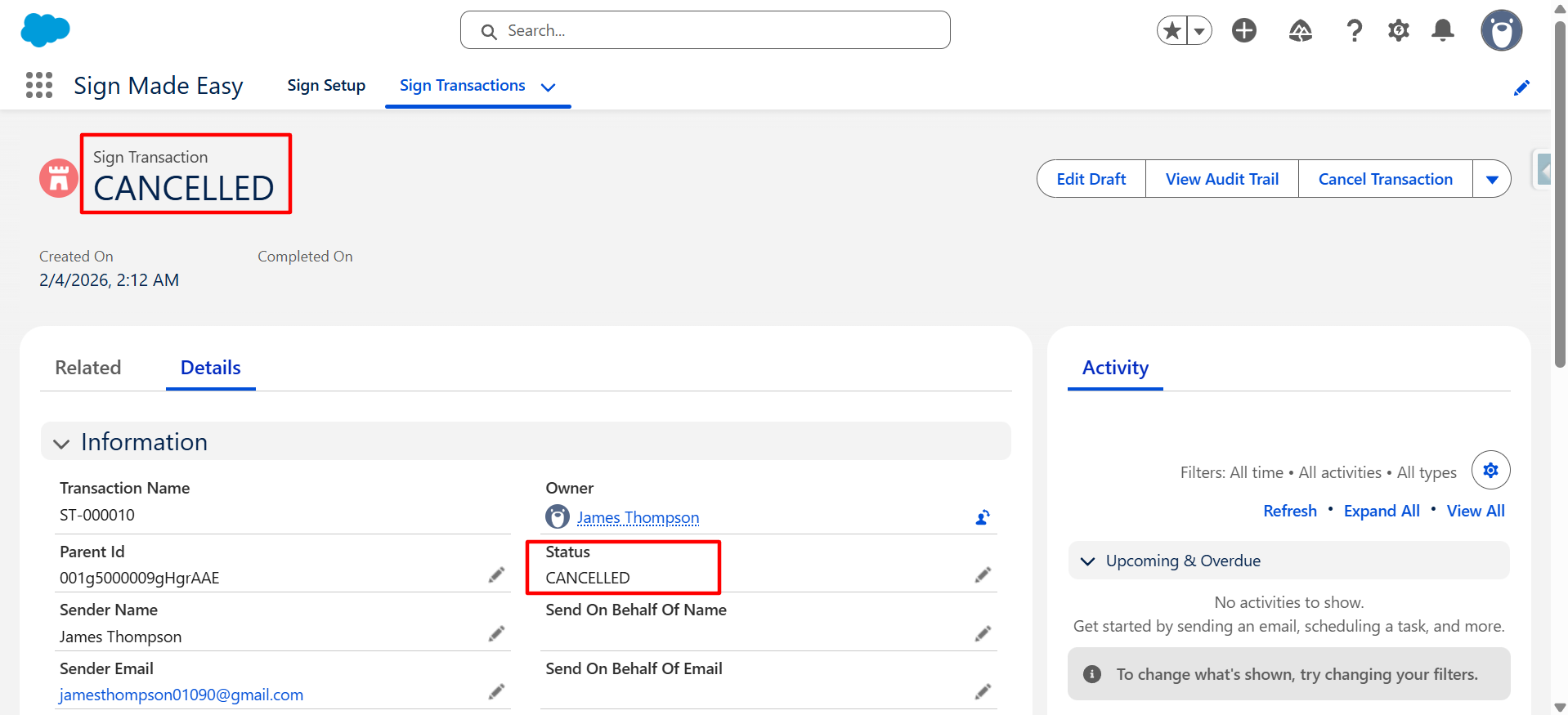
Now, the transaction is successfully cancelled by the Sender.
| Note: Recipients with the status Sent or Viewed will receive a transaction cancellation email. |
Conclusion
By following the steps above, senders can quickly cancel a transaction when needed. eSignature for Salesforce makes it simple to control and manage document signing processes. This feature in Sign Made Easy – eSign for Salesforce app helps maintain clarity and ensures recipients are notified about the cancelled transaction.