Quit tab-hopping.
Sign it right here.

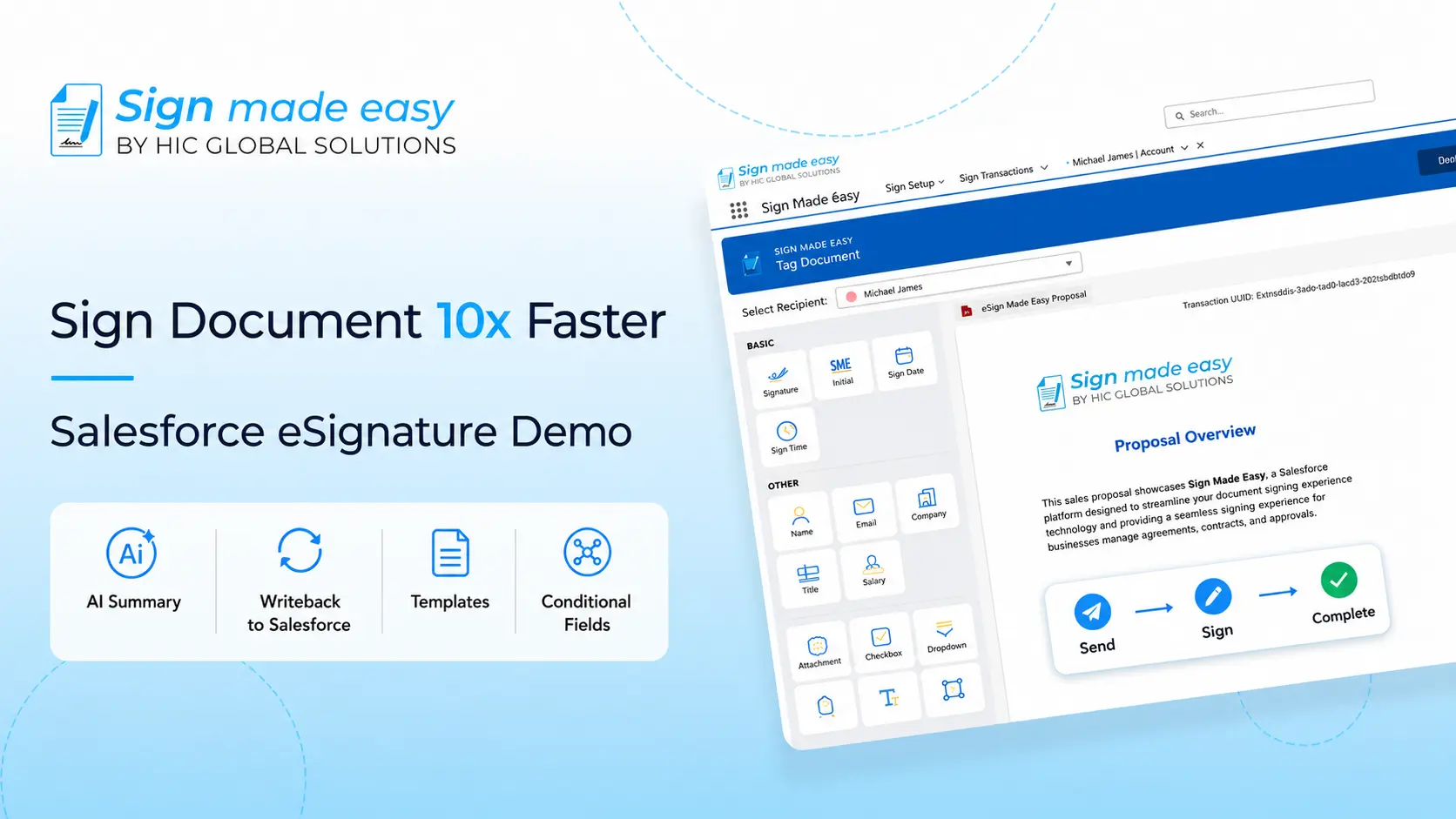
Sign Made Easy lives inside Salesforce, not next to it. Send, track, and close signatures from the record you're already staring at — no portal, no export, no "let me just check the other tab."

Old way
Tab-switching, copy-pasting, praying
SignMadeEasy
Signed, synced, done — one screen
3,000+
orgs already flipped
99.9%
envelopes migrate clean
14 min
average switch time
0
deals stalled mid-hop

The same four gripes, every single time

We've heard these from Salesforce admins so many times we could recite them backwards. If one sounds familiar, keep scrolling.

Living in two tabs

Send from Salesforce, chase the envelope somewhere else entirely. Fun times.

The bill keeps growing

Per-seat pricing, plus a "premium" upsell for stuff that used to just be included.

Nothing syncs back

Someone still has to manually mark the Opportunity as signed. Every. Single. Time.

Support ghosts you

A ticket sits for days while a signature holds up a deal that's supposed to close this week.

What actually changes when you Switch

Feature Most eSignature tools Sign Made Easy
Runs natively inside Salesforce Separate portal or tab Built on the platform
Signed status synced to records Manual update needed Automatic, real time
Send from Opportunity, Quote, or Contract Copy-paste into another app One click, in-record
Migration from your old tool Not offered Free, done for you
Support response time 2–3 business days Realtime
Pricing Per seat, scales fast Flat, per org

Three steps. Zero re-typing.

01

Install from AppExchange 2 min

Pop SignMadeEasy into your org. We peek at your old tool's templates and signer history — nothing over there gets touched.

02

We do the boring part 10 min

Templates, signature fields, routing rules, object mappings — matched to SignMadeEasy equivalents automatically.

03

You hit go 2 min

Skim the summary, confirm, send your next envelope from Salesforce. Your old tool sits there as a backup, untouched.

MIGRATION STATUS

your-org.my.salesforce.com

Templates: 46 of 46 moved
Signers: 1,204 of 1,204 moved
Routing rules: 12 of 12 moved

92% — wrapping up field mappings, almost there

Built for teams who live in Salesforce

Send from any record

Fire off a signature request straight from an Opportunity, Quote, or Contract. No second app, no copy-paste.

Two-way sync, always

Signed status, dates, and signer details write straight back to Salesforce fields the second a doc is done.

One shared template shelf

Your whole team sends from the same contracts, NDAs, and quotes — version-controlled, no rogue copies floating around.

Your data stays home

Documents and signer data never leave Salesforce's security model. No separate vendor holding onto your contracts.

Plays nice with Flow

Kick off signature requests from Flow, Process Builder, or Apex — automate the whole close-to-signed path.

A human replies fast

Under an hour, usually minutes. No bot pretending to be a person.

Salesforce teams who made the jump

"

“Sign Made Easy is a simple, interactive, and incredibly user-friendly app. Compared to Conga, it stands out with its intuitive interface and seamless functionality. Even first-time users can navigate it with ease. What truly sets it apart is the support team; they not only help you scale but also guide you with the best ways to achieve your goals. For me, if I need an eSignature app, this is my top choice.”

Joyce Bantugan
Joyce Bantugan
Director of Technology & Innovation
"

“It’s easier to implement than Conga is. The UI, the interface, all that stuff seems slightly more modern, a lot simpler, a lot cleaner. “

Torian Fields
Torian Fields
Director of Information Technology
"

Last five years we were using signature functionality through the DocuSign and it was very expensive and not comfortable too. We were using Salesforce for our CRM system and in order to integrate DocuSign inside this Salesforce it will be too much expensive and I’m start to looking other solution and I find out your company Sign Made Easy. And we built the functionality of Sign Made Easy inside the Salesforce and it’s working perfect everything fine. After two weeks we done all the settings, all the filters what we need obviously and I can recommend the other company use the sign made easy app.

Jacob Sionov
Jacob Sionov
VP Field Operations

Questions admins actually ask us

Nope. We only read from your old eSignature tool — we never touch, remove, or lock anything there. It keeps working as a backup for as long as you want.
Migrate now, run both tools side by side until your contract wraps up, then flip over fully — no re-import needed.
Yes. Signature fields, routing rules, and object mappings get auto-matched to Salesforce equivalents, and flagged for a quick look if anything needs manual attention.
Most orgs wrap up the automatic parts in under 15 minutes. Bigger orgs with thousands of templates and signers might take a day, and we'll walk you through it live.
Yes. SignMadeEasy runs natively on the Salesforce platform, so data stays inside your org's existing security model the whole time — nothing gets routed through some outside system.

Ready to flip the switch?

Bring your templates over today and send your next contract from Salesforce before lunch.