







An eSignature subscription may look affordable until you add the cost of extra envelopes, verification services, integrations, and separate tools. The monthly price rarely tells the whole story.
For businesses handling agreements every day, the bigger expense often comes from how the signing process is set up. Paper handling, repeated data entry, delayed approvals, and disconnected systems all add to the total.
That is where eSignature cost savings become worth examining. In this blog, we will look at where signing expenses build up, how to estimate the return, and how Sign Made Easy can help Salesforce teams keep more of their budget under control.
Where Does the True Cost of eSignature Build Up?
The subscription fee is only one part of the expense. The actual cost can increase as your document volume grows, your team needs more features, or your signing process becomes more complicated.
Here are some areas worth checking before choosing or renewing a plan:
- Paper, printing, and delivery: Printing contracts, buying envelopes, arranging postage, sending couriers, and storing signed copies can add a recurring cost to every agreement.
- Envelope and transaction limits: Some plans include a fixed number of envelopes or signature requests. Once your team crosses that limit, additional usage can lead to overage charges or a plan upgrade.
- Paid features and verification: Advanced authentication, bulk sending, integrations, branding, and other capabilities may sit behind higher-priced tiers or separate charges.
- Multiple software subscriptions: Using one platform to prepare documents, another to collect signatures, and a third to manage records can increase licensing and integration expenses.
- CRM data entry and maintenance: When signing happens outside your CRM, employees may need to move information between systems, update records, and check whether the signed version is attached to the right customer.
- Setup and support: Complex configuration, migration, and limited support can increase the time and money needed to keep the signing process running.
- Delayed agreements: Time spent chasing approvals, sending reminders, and following up adds to employee workload. These extra hours create indirect costs, especially when teams handle a high volume of agreements.
Thus, a lower subscription price does not always mean a lower overall bill. A proper comparison should include usage limits, features, integrations, support, and the time your team spends managing agreements.
How eSignatures Affect Business ROI
The value of digital signing is not limited to avoiding paper. It also comes from reducing the time spent preparing, sending, tracking, and completing agreements.
A useful way to evaluate eSignature ROI is to separate direct savings from operational gains:
- Direct savings: Printing, ink, envelopes, postage, courier services, and physical document storage.
- Time savings: Less time spent chasing signatures, checking document status, and updating records.
- Faster business processes: Shorter signing cycles can help sales, finance, procurement, and HR teams move agreements forward sooner.
- Fewer process errors: Reusable templates, structured fields, and automatic data updates can reduce repeated entry and missing information.
- Better customer experience: Signers can review and complete documents remotely instead of arranging physical meetings or delivery.
A Simple Way to Estimate Your Savings
You do not need a complicated model to get a first estimate. Start with your current document volume, the physical cost per document, and the time employees spend managing each agreement.
Basic calculation:
- Annual physical document cost = Documents sent per month × Cost per document × 12
- Annual time cost = Hours spent per month × Average hourly employee cost × 12
- Potential annual savings = Avoidable physical costs + Recoverable time costs + Subscription or tool savings − New software costs
For example, if a business sends 500 documents each month and spends an estimated 4-10 per document on printing and delivery, its annual physical handling expense could range from $24,000 to $60,000. This is an illustrative calculation using the range reported by DocuSign, not a guaranteed saving.
The same approach can help estimate electronic signature cost savings for a team that already uses digital signing. In that case, focus on avoidable subscription, usage, integration, and administration expenses rather than counting paper costs that the business has already eliminated.
How Sign Made Easy Helps Reduce eSignature Costs
For businesses already using Salesforce, Sign Made Easy brings document signing into the CRM environment. Teams can send, sign, and track agreements without constantly switching between Salesforce and a separate signing platform.
The difference is not just where the document gets signed. It is how the surrounding workflow, data, templates, and support are managed.
Keep Signing Inside Salesforce
When employees move between a CRM and an external signing tool, they may need to check records, enter details again, and confirm whether the final document has been saved correctly. Sign Made Easy keeps these activities connected to Salesforce.
- Salesforce-native workflow: Create and send agreements from Salesforce records, helping teams avoid unnecessary movement between applications.
- Data writeback: Send completed document information back to standard and custom Salesforce fields, reducing manual record updates.
- Salesforce automation: Use Salesforce automation to trigger signing processes based on record changes or business requirements.
- Transaction tracking: Check whether documents are sent, completed, declined, canceled, or affected by authentication failures through the Sign Dashboard.
- Audit trail: Keep a record of signing activity and document progress without relying on separate tracking spreadsheets.
This connected setup can reduce tool overlap and repeated administration. It also makes it easier for teams to work with customer and agreement information where they already manage their business.
Avoid Per-Document Limits and Unnecessary Upgrades
Document limits can become expensive when signing volume changes from month to month. A team that sends more agreements during a busy sales period may need to purchase additional capacity or move to a higher plan.
Sign Made Easy Pro includes unlimited documents sent for signature and unlimited reusable templates. This gives teams more room to handle changing document volumes without calculating every new agreement against a fixed sending allowance.
Other capabilities that support the signing process include:
- Bulk Sign for sending documents to multiple recipients.
- Multi-factor authentication for an additional layer of signer verification.
- Custom tags and reusable templates for different document requirements.
- Multi-language signing for teams working with different customers.
- In-person signing when a document needs to be completed with the signer present.
- Automated reminders and transaction tracking to help teams follow pending agreements.
For businesses reviewing a DocuSign Alternative, these included capabilities matter because the actual comparison should cover what the team receives at each price level, not just the advertised starting rate.
Customization Without Building Around Separate Tools
Every business has its own document formats, approval requirements, and customer-facing processes. When a signing platform cannot accommodate those needs, teams may end up paying for additional tools or custom integrations.
Sign Made Easy supports custom tags, custom objects, email and branding options, template matching, and Salesforce data writeback. These capabilities help businesses configure signing around their existing Salesforce records and document requirements.
Additionally, its Salesforce-native setup supports a more connected experience for users. Teams can work with their existing CRM data and use Salesforce automation rather than maintaining an entirely separate signing process.
Support and Setup Are Part of the Cost
Software costs do not stop after installation. Teams also need help with configuration, user access, templates, workflow changes, and troubleshooting. If support is difficult to reach, even a small issue can delay an important agreement.
Sign Made Easy lists built-in app support, 24/7 live support, and Sandbox-to-Production migration support among its comparison points. These services can reduce the effort involved in configuring and maintaining the application, particularly for Salesforce teams with more specific requirements.
The overall eSignature cost should therefore include the time and resources required to get the platform working properly—not only the amount shown on the pricing page.
Compare Plans Before You Pay for More Than You Need
Sign Made Easy offers a Free edition, a Pro plan listed at $9.99 per user per month when billed annually, and a Pro Plus option with flexible billing. Pro Plus includes the Pro capabilities along with Salesforce document generation.
The right option depends on your team’s signing volume and requirements. A smaller team may be comfortable starting with the Free edition, while a business with regular signing activity may need the unlimited transactions and additional capabilities in Pro.
You can check out the pricing page to review the current plan details before making a decision.
Calculate Your Potential Savings Before Choosing a Plan
Before switching platforms or renewing an existing subscription, take a closer look at how your team actually uses its signing software. A short review can help identify where the budget is going and which costs are avoidable.
Use this checklist when comparing electronic signature pricing:
- Annual document volume: Count the documents your team sends each month and check whether your current plan has transaction or envelope limits.
- Active users: Review how many people need to send documents and whether everyone requires a paid sender license.
- Additional charges: Check for overage fees, authentication costs, integrations, storage, and paid feature upgrades.
- Salesforce requirements: Confirm whether the platform supports your Salesforce objects, field mappings, Flow automation, and data writeback needs.
- Customization: Check whether custom tags, templates, branding, and signing workflows are included or require additional purchases.
- Security and audit requirements: Review authentication, audit trails, access controls, and the compliance standards relevant to your business.
- Support and migration: Include onboarding, configuration, migration assistance, and ongoing support in the total cost comparison.
Use the Sign Made Easy Savings Calculator
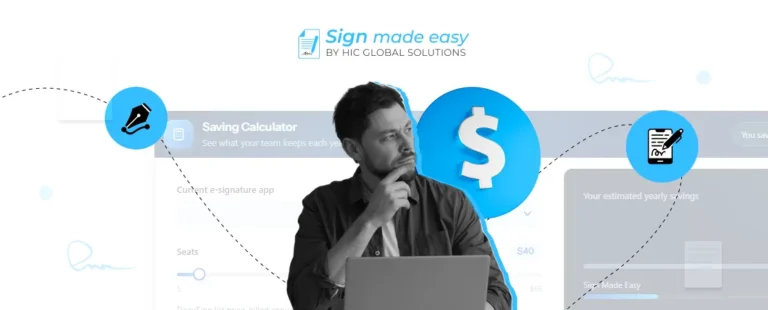
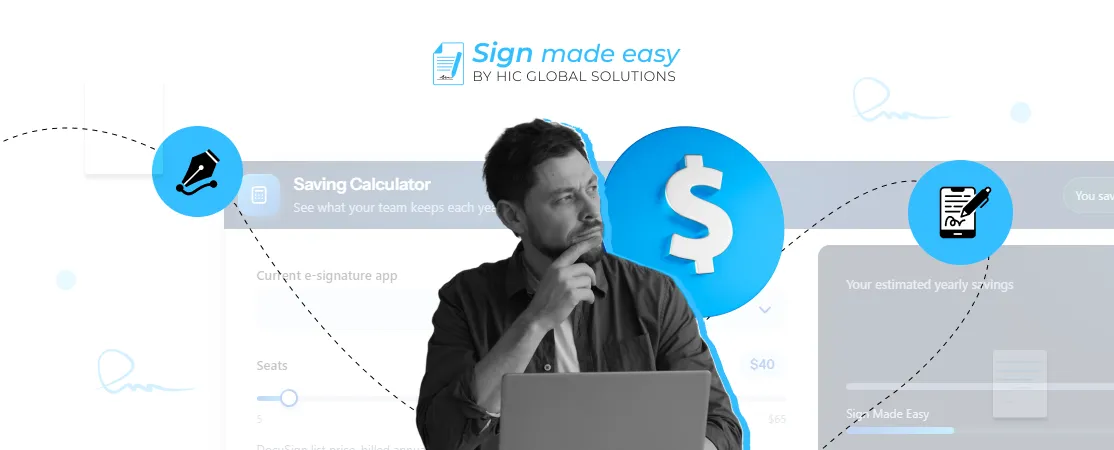
If your business currently uses DocuSign, Adobe Sign, Conga, Titan, or another signing application, the Sign Made Easy Savings Calculator gives you a starting point for comparing subscription expenses.
Enter your current platform, number of seats, and the amount you pay per seat each month. The calculator estimates the annual difference using Sign Made Easy Pro at $9.99 per user per month. Treat the result as an estimate and compare it with your actual invoice and plan terms before making a decision.
Make Your Signing Process More Cost-Efficient
The real value of an eSignature platform comes from more than a lower monthly bill. It depends on how well the solution fits your existing workflows, handles document volume, and reduces the extra work involved in completing agreements.
For Salesforce teams, Sign Made Easy brings these activities closer to the CRM while offering unlimited documents and templates on its Pro plan. If you are reviewing your current signing expenses, compare the full cost of your existing setup with the features your team actually needs.
We can help your businesses assess their Salesforce requirements and configure Sign Made Easy around their signing processes. Explore the Sign Made Easy, eSignature solution on AgentExchange or try the savings calculator to start with your own numbers.