



Choosing an eSignature tool is no longer just about finding a platform that lets people sign documents online. Businesses also need to look at users, document volume, workflows, integrations, security, and the features included at each level. This is where eSignature Software Cost can vary quite a lot.
In 2026, eSignature pricing follows several models. Some platforms charge per user, while others limit envelopes, documents, signature requests, or offer custom enterprise plans. For example, current published plans from major providers range from entry-level options around 10-15 per month to $40+ per user for advanced plans, while enterprise requirements may require a custom quote.
In this blog, we will break down the main pricing models, typical market ranges, hidden costs that can increase your electronic signature software cost, and the factors to check before selecting eSignature plans. We will also look at Sign Made Easy, compare it with other popular eSignature apps, and explain what businesses should consider before making a final choice.
What Does eSignature Software Cost in 2026?
There is no single market price for eSignature software because different providers package their services differently. A small business may pay a relatively low monthly subscription, while a larger organization may need higher usage limits, advanced workflows, integrations, security controls, or enterprise support.
Looking at current public pricing gives a useful picture of the market:
| Pricing level | Typical market range | Usually suitable for |
|---|---|---|
| Free / entry | 0–15/month | Individuals and occasional signing |
| Standard | Around 10–30/user/month | Small and growing teams |
| Advanced | Around 30–45+/user/month | Teams needing more workflows and controls |
| Enterprise | Custom pricing | Large teams, high volume, security and governance needs |
These are broad market bands rather than a fixed industry price. For example, Sign Made Easy costs $9.99* per month/user, while DocuSign currently lists Personal at $10/month, Standard at $25/user/month, and Business Pro at $40/user/month on its public pricing page. Dropbox Sign lists Essentials from $15/month and Standard from $25/user/month, while Zoho Sign lists Standard at $10/user/month and Professional at $16/user/month.
So, when comparing eSignature software costs, the monthly subscription is only the starting point. The actual amount you spend depends on what is included and how your team uses the platform.
Understanding the Main eSignature Pricing Models
Different eSignature platforms use different ways to calculate their charges. Understanding these models makes it easier to compare plans without getting confused by different terminology.
With a per-user model, you pay according to the number of people using the platform. This can work well when several employees regularly send agreements and manage signing workflows.
The downside is simple. If you have many users but only a few people actually send documents, you may end up paying for seats that are not heavily used.
Some platforms limit the number of envelopes, documents, or signature requests included in a plan.
This model can work for businesses with predictable document volume, but you should check exactly what the provider considers an envelope or transaction.
Most platforms have several levels, such as Free, Standard, Professional, Business, and Enterprise. Each higher level generally adds features, usage capacity, integrations, administration, or security controls.
The important part is not simply choosing the plan with the most features. Check which features your team will actually use.
API pricing is usually relevant when a business wants to build signing into its own application or workflow. Zoho Sign, for example, offers a separate API plan and charges based on document signature requests, while Dropbox Sign also has API plans based on signature-request volume.
This means API users should look beyond the normal subscription and calculate expected request volume before estimating their total electronic signature software cost.
What Hidden Costs Should You Check?
The advertised subscription price does not always represent your complete eSignature software cost. Before purchasing, look at what happens after you cross the basic limits.
Here are some areas worth checking:
- Extra envelopes, documents, or signature requests
- Additional user or admin seats
- API and embedded signing charges
- Advanced authentication or identity verification
- SMS delivery or verification
- Premium integrations
- Extra storage or document retention
- Advanced branding and multiple domains
- Bulk sending and advanced workflow features
- Implementation, onboarding, or training
- Priority or dedicated support
- Annual commitments and renewal terms
- Taxes and regional charges
Zoho’s current pricing page is a good example of why this matters. Its plans include features where SMS delivery, integrations, bulk signing, APIs, webhooks, and some advanced services consume additional Zoho Sign credits.
Thus, the cheapest-looking plan is not necessarily the lowest total cost once your real workflow is added.
How to Choose the Right eSignature Solution for Your Business
Instead of starting with the brand name, start with your actual signing process. This makes eSignature pricing much easier to compare.
Sign Made Easy: A Budget-Friendly, Feature-Rich Solution for Salesforce Users
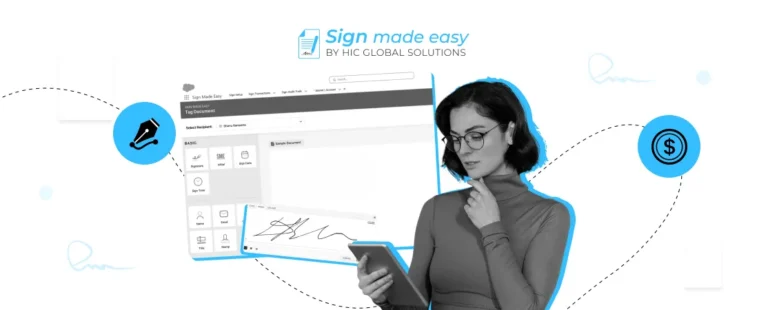
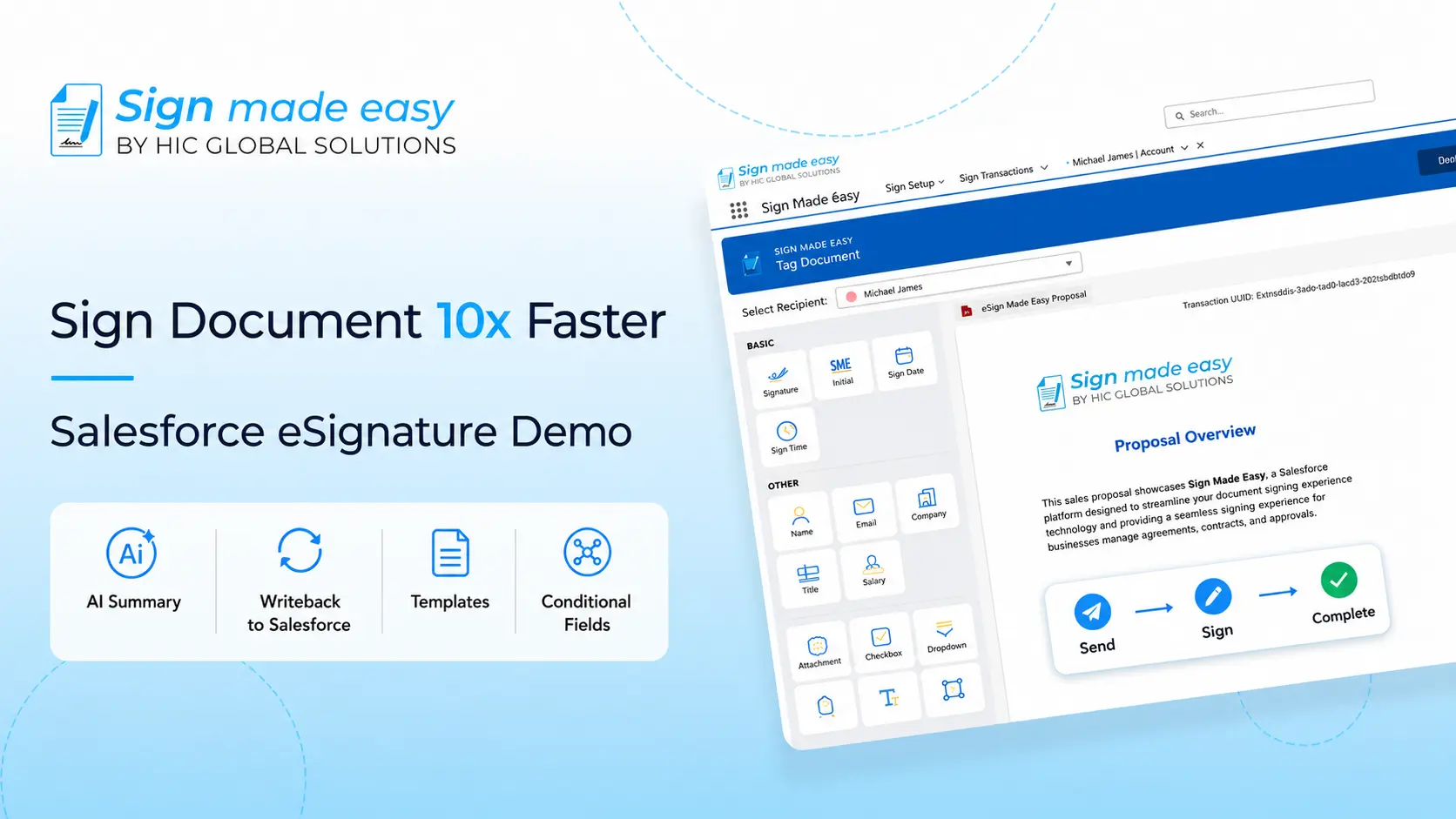
For businesses already working in Salesforce, Sign Made Easy takes a different approach. It is a Salesforce-native eSignature application designed to let teams send, sign, and manage agreements directly within Salesforce rather than moving between separate platforms.
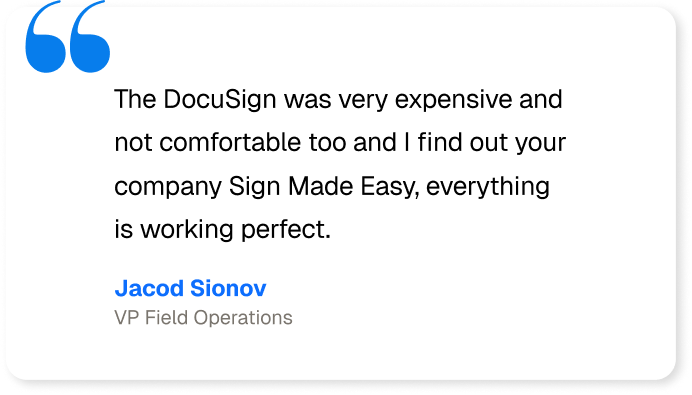
Its official pricing page currently lists the Pro package at $9.99 per month per user when billed yearly, alongside a Pro Plus option with flexible billing. The same page lists capabilities such as unlimited documents sent for signature, unlimited templates, Salesforce-native integration, audit trails, role-based access, custom email and branding, in-person signing, and Salesforce data writeback.
For businesses comparing eSignature software cost, this Salesforce-focused approach can be particularly relevant because the value is not only in the signing feature. It also depends on how easily the tool fits into the existing CRM workflow.
Some notable capabilities include:
- Multi-signer workflows
- Sign templates
- In-person signing
- Automated reminders
- Audit trails
- Salesforce data writeback
- Custom objects
- Role-based access
- Multi-language signing
- Custom email and branding
- Built-in app support
- Salesforce Flow automation
Sign Made Easy also offers a free edition with core signing functionality, while its Pro version adds features such as bulk sending, in-person signing, Flow automation, and advanced routing.
Compare Sign Made Easy With Other eSignature Apps
Different tools are designed around different business needs, so the comparison should focus on pricing structure, workflow, integrations, and included capabilities rather than just the starting subscription.
Quick Comparison
| Platform | Starting public price* | Pricing approach | Salesforce fit | Key consideration |
|---|---|---|---|---|
| Sign Made Easy | $9.99/month/user billed yearly for Pro | Subscription | Salesforce-native | Built around Salesforce workflows |
| DocuSign | $10/month | Per-user + envelope limits | Integration available | Broad agreement ecosystem |
| Dropbox Sign | $15/month | Per-user / API usage | Integration options | Simple plans + separate API pricing |
| Zoho Sign | $10/user/month annually | Per-user + credits for some services | Integrations | Multiple tiers and credit-based extras |
| Adobe Acrobat Sign | Enterprise/custom for Acrobat Sign | Enterprise/custom | Salesforce integration | Broader Adobe/PDF ecosystem |
Starting prices and plan structures can change by region, billing period, taxes, and product edition. Check the provider’s current pricing page before purchasing.
Beyond Pricing: What Else Should You Consider?
Pricing is only one part of choosing an eSignature solution. It is also important to consider how well the platform fits your existing workflows, its Salesforce integration, ease of use, automation capabilities, document limits, and the features included in each plan. The right choice depends on what your business actually needs, not just the starting subscription price.
Let’s compare Sign Made Easy with other popular eSignature apps across these key factors.
| Capability | Sign Made Easy | Adobe Acrobat Sign | DocuSign | Conga Sign | Titan Sign |
|---|---|---|---|---|---|
| AI-Enabled Document Summary | ✓ | ✓ | ✓ | ✗ | ✗ |
| Sandbox to Production Migration | ✓ | ✗ | — | ✗ | ✗ |
| Built-in App Support | ✓ | ✗ | ✗ | ✗ | ✗ |
| Salesforce Data Update / Writeback | ✓ | ✓ | ✓ | ✓ | ✓ |
| Continuous App Maintenance & Performance Monitoring | ✓ | ✗ | ✗ | ✗ | ✗ |
| 24/7 Live Support | ✓ | ✗ | ✗ | ✗ | ✗ |
| Simplified User Experience | ✓ | ✗ | ✗ | ✗ | ✗ |
| Cost-Efficient Pricing | ✓ | ✗ | ✗ | ✗ | ✗ |
| Quick Implementation | ✓ | — | — | ✗ | ✓ |
| Workflow Automation | ✓ | — | — | — | ✓ |
How to Keep Your eSignature Software Cost Under Control
You do not always need the biggest plan to get a reliable signing workflow. The better approach is to match the plan with actual usage.
Start by estimating monthly documents, active senders, average signers per document, and the workflows your team uses most often. Then check whether templates, reminders, audit trails, integrations, and bulk sending are included or charged separately.
If you’re considering Sign Made Easy, you can check the complete pricing details below to compare the available plans and choose the one that fits your requirements.
| Feature | Pro | Pro Plus |
|---|---|---|
| Pricing | $9.99/month/user billed yearly* | Let’s Talk |
| Unlimited Documents Sent for Signature | ✓ | ✓ |
| Unlimited Templates | ✓ | ✓ |
| Sign Parameter | ✓ | ✓ |
| Global Compliance – SOC 2 Type II, HIPAA, GDPR | ✓ | ✓ |
| One-Time Setup | ✓ | ✓ |
| Sign Template | ✓ | ✓ |
| Writeback | ✓ | ✓ |
| Business Unit | ✓ | ✓ |
| BGM Transaction | ✓ | ✓ |
| Multi-Language | ✓ | ✓ |
| Custom Objects | ✓ | ✓ |
| Doc-Gen Capabilities | ✗ | ✓ |
For a complete overview of the features available with each plan, check out the full feature details here.
It is also worth reviewing your tools every year. Business requirements change, teams grow, and the features you needed two years ago may not be the same today. A platform that fits naturally into your existing workflow can also reduce the need for additional connectors or separate applications.
For Salesforce teams in particular, keeping the signing process inside the CRM can simplify the overall setup. Sign Made Easy is built around this model, allowing businesses to create, send, track, and manage signatures without leaving Salesforce.
Wrapping Up
Understanding eSignature software cost in 2026 means looking beyond the number shown on a pricing page. User limits, document volume, workflows, integrations, authentication, support, and additional usage can all affect the final amount.
A good eSignature solution should fit the way your team actually works. Compare the pricing model, calculate your expected yearly usage, check hidden charges, and make sure the important features are available in the plan you are considering.
For Salesforce users, Sign Made Easy provides a Salesforce-native option with a free edition, a published Pro plan, and features designed around signing workflows inside Salesforce.
The goal is not simply to find the lowest eSignature pricing. It is to find a plan where the features, usage limits, support, and workflow fit make sense for your business without creating unexpected costs later.