






Signing documents used to be one of those things businesses just accepted. Send the file, wait, send a reminder, wait again, and then somewhere in the middle someone asks, “Did they sign it yet?”
Not anymore. Businesses now expect signing to be quick, easy, secure, and connected with the systems they already use. That is why the best eSignature apps in 2026 are doing much more than simply adding a signature to a PDF.
But choosing one is not always easy. There are plenty of eSignature apps around, and honestly, many of them start looking the same after the first few tabs. So, this guide puts seven popular choices side by side, with the things businesses actually care about.
Comparing the Top 7 eSignature Apps in 2026
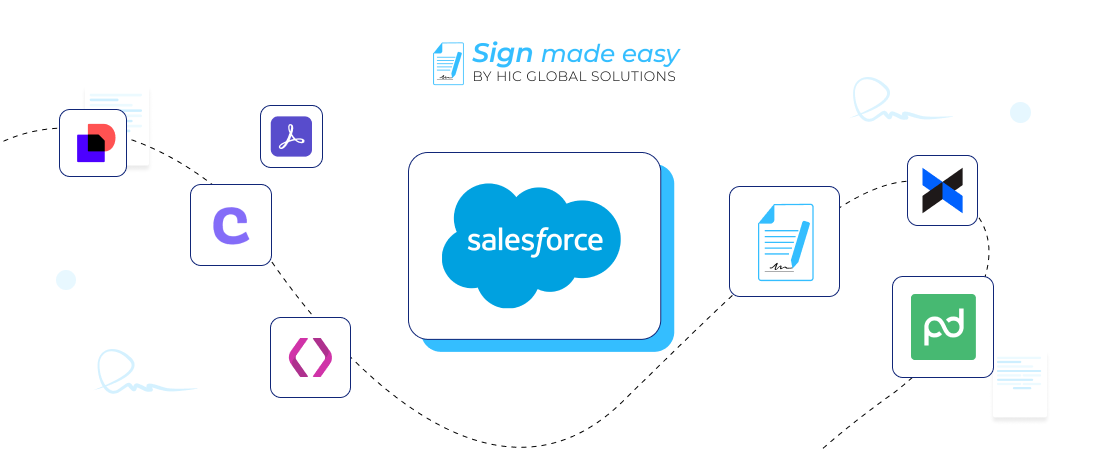
Before getting into all the details, here is the quick picture. Each one has a slightly different focus, so the right choice depends on what your business actually needs.
| App | Starting Pricing | Salesforce Fit | Key Features | Customer Support | User-Friendly UI |
|---|---|---|---|---|---|
| Sign Made Easy | $9.99/user/month, billed yearly | Native Salesforce | Templates, tracking, bulk, in-person signing | Dedicated 24/7 support | Very easy |
| DocuSign | $30/user/month | Strong integration | Templates, audit trail, mobile signing | Chat + support plans | Easy |
| Conga Sign | Starting at $4 USD/user/month/Custom pricing | Strong CRM/Salesforce fit | Branded signing, API, audit trail | Support plans available | Easy |
| Titan | From $150/month | Native Salesforce | No-code workflows, 2FA, bulk signing | Expert support | Easy |
| Adobe Acrobat Sign | From $34/user/month on AppExchange | Salesforce integration | Forms, reminders, authentication | Adobe support | Easy |
| Dropbox Sign | From $5/user/month on AppExchange | Salesforce integration | Templates, tracking, signing | Support options available | Easy |
| PandaDoc | $19/user/month, billed annually | CRM integrations | Editor, templates, tracking | Email + chat support | Easy |
The table gives you the quick picture. Now let’s get into the actual differences, because price alone does not tell you whether a tool will make your team’s life easier or somehow create another tab everyone forgets about.
Detailed Comparison of the Top Choices
There are quite a few best eSignature apps in the market, but their strengths are not all the same. Some are better for Salesforce, some focus heavily on agreements, and some are simply easier for smaller teams.
1. Sign Made Easy
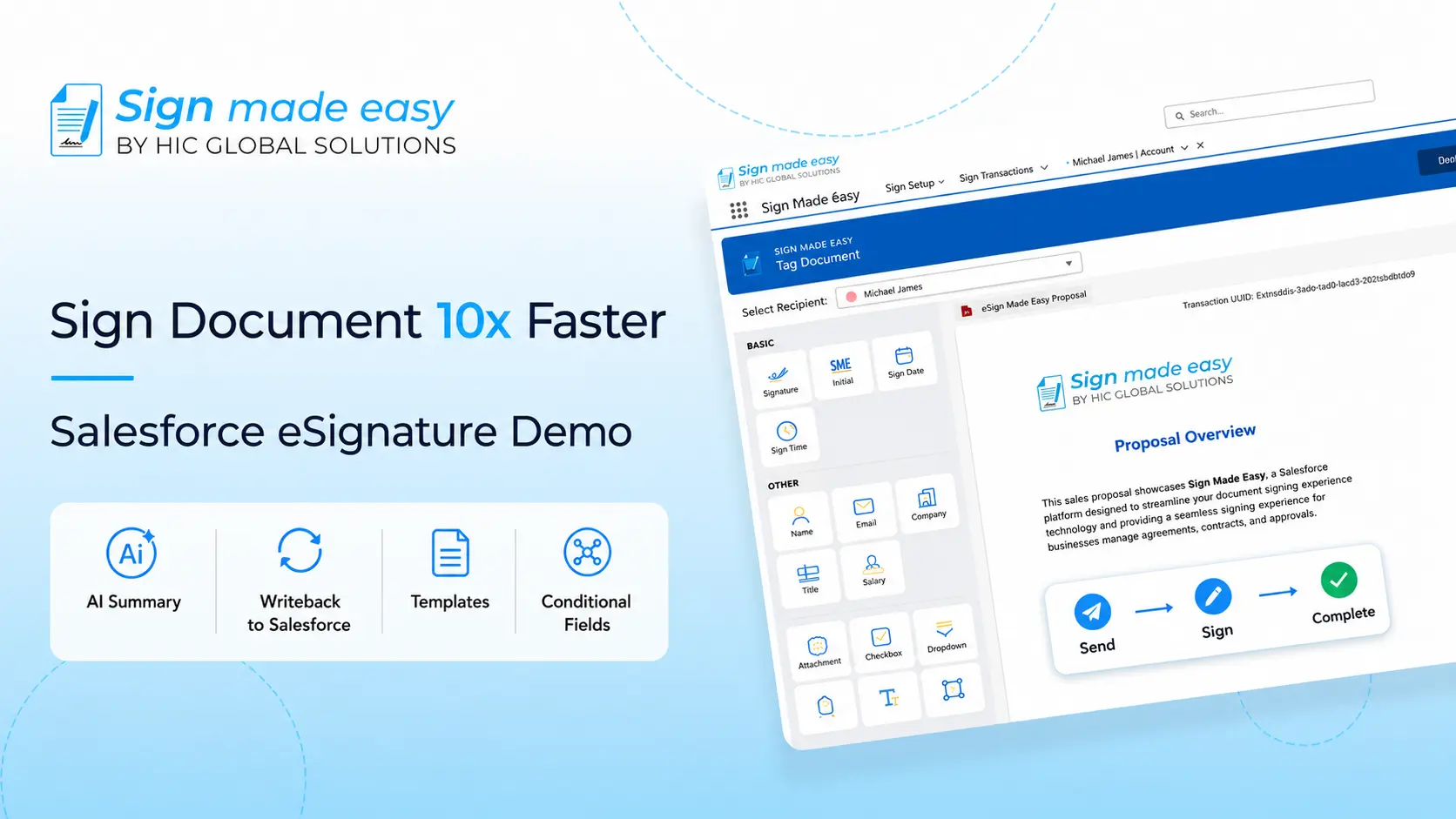
If your business already works inside Salesforce, Sign Made Easy is one of the best eSignature apps to look at first because the signing workflow stays inside Salesforce instead of pushing users into another system.
Its Pro plan is listed at $9.99 per user/month when billed yearly, while Pro Plus uses flexible billing. The platform also offers a free edition with core signing features.
- WhatsApp and SMS notifications for keeping signers updated
- Document Seal to help protect signed documents
- Prefill for Basic Tags
- Track Signer’s Activity throughout the signing process
- Wet signature support for situations where a handwritten signature is still needed
And then there are useful extras such as passcode protection, multi-language support, automatic reminders, multi-signer workflows, and real-time tracking. It is basically trying to cover those small things that become big things when you send hundreds of documents.
2. DocuSign
DocuSign is still a major name among electronic signature apps, and there is a reason it keeps appearing in business comparisons. However, there are still reasons why businesses look for a DocuSign alternative, especially when they need different pricing, workflows, integrations, or features that better fit their requirements.
Its current eSignature pricing lists Personal at $11/month, Standard at $30/user/month, and Business Pro at $45/user/month.
- Supports signing from mobile devices
- Offers signer identification and authentication options
- Provides reusable templates
- Includes real-time audit trails
- Supports open APIs and integrations
For larger organizations, DocuSign also has more advanced support tiers. Standard support includes chat support and online case management, while higher tiers add phone and technical support.
3. Conga Sign
Conga Sign is particularly interesting for teams already using Salesforce, Conga, or other CRM and revenue processes. It connects signing with documents, quotes, contracts, and broader agreement workflows.
Conga does not publish a simple public starting price for Conga Sign on its main pricing page, so businesses need to contact sales for a quote.
- API-first approach for custom workflows
- Branded signing experiences
- Supports embedded signing
- Works with Salesforce and Microsoft Dynamics
- Supports email, SMS, and identity-based authentication options
Conga Sign also supports ESIGN, UETA, and eIDAS-compliant signatures, with audit trail information covering activities such as creating, viewing, signing, and completing documents. For teams exploring a Conga alternative, these capabilities can be useful when comparing signing and agreement workflow options.
4. Titan
Titan takes a very Salesforce-first approach. Its eSign tool lets teams send, sign, and track documents without leaving Salesforce, which is useful when jumping between systems is already becoming a daily sport.
Titan’s current Document Studio pricing starts at $150/month for Starter, with higher plans at $350-$1,000/month, $1,200/month, and $2,000/month for Enterprise+.
- No-code signing workflow
- Dynamic signer logic based on Salesforce data
- 2FA and audit trails
- Bulk signing
- Signed documents can be stored back in Salesforce
Titan also supports workflow triggers, real-time Salesforce data sync, signer verification, facial recognition, and compliance-focused capabilities. Still, many businesses look for alternatives to Titan.
5. Adobe Acrobat Sign
Adobe Acrobat Sign is a familiar choice for businesses already using Adobe products. It combines e-signatures with document tools, forms, authentication, branding, and integrations across business applications.
On Salesforce AppExchange, Adobe Acrobat Sign is currently listed from $34/user/month.
- Supports web and mobile signing
- Offers branded signing experiences
- Provides self-serve web forms
- Supports bulk signing
- Offers advanced roles and routing
Adobe also supports integrations with tools such as Microsoft 365, Google Drive, Box, Salesforce, Workday, and other business systems.
6. Dropbox Sign
Dropbox Sign is a simpler option for businesses that want electronic signature apps without moving into a huge agreement-management setup. It also has a Salesforce AppExchange listing, where the current starting price is $5/user/month.
- Reusable templates
- Audit trails for completed signing activity
- Document tracking
- Salesforce integration
- Straightforward signing workflows
It can make sense for smaller teams that mostly need sending, signing, tracking, and storing documents without a long list of enterprise features sitting around unused.
7. PandaDoc
PandaDoc is more than just a signing tool. It combines document creation, proposals, forms, collaboration, tracking, and e-signatures, which can be useful for sales teams that want the document itself to be part of the workflow.
Its current pricing lists Free at $0, Starter at $19/user/month billed annually, Business at $49/user/month billed annually, and Enterprise as contact sales.
- Drag-and-drop document editor
- Real-time tracking and notifications
- Document templates
- Mobile app for document workflows
- Document collaboration features
PandaDoc also provides email and chat support on its listed plans, which can be useful when teams need help while working through a document workflow.
Finding the Right eSignature Solution for Your Business
There is no single winner for every business, and honestly, that would make these comparisons way too easy.
The right choice depends on where your documents live, how many people send them, how much automation you need, and whether Salesforce is already the center of your daily work.
When comparing the best eSignature apps, businesses should look beyond the signature itself. The workflow around the signature is where the real difference starts showing up.
For a Salesforce-focused business, the best eSignature apps are usually the ones that do not make users leave Salesforce just to send, sign, or track a document.
That is where Sign Made Easy gets particularly interesting. It is built natively for Salesforce, has a user-friendly interface, offers a reasonable entry price, and gives businesses dedicated 24/7 support.
Moreover, businesses can use it for more than simply collecting a signature.
- Template matching for consistent document formatting
- Reusable templates for recurring workflows
- Seamless integration with Docs Made Easy
- Generate and send documents from one workflow
- Easy setup for Salesforce-based teams
- Manage multiple signing workflows in one place
- Keep document creation and signing connected
So, if Salesforce is already where your team works, keeping signing there can make the whole process feel much less scattered. And that little difference can matter a lot after the hundredth document.
Conclusion: Choose the Best eSignature Apps for the Way You Work
The best eSignature apps are not necessarily the ones with the longest feature list. They are the ones that fit the way your business already works, without making the team learn a whole new routine just to get a document signed.
DocuSign, Conga Sign, Titan, Adobe Acrobat Sign, Dropbox Sign, and PandaDoc all have their own strengths, and each can make sense for a different type of business.
But if you want an eSignature solution that is Salesforce-native, easy to use, reasonably priced, supported around the clock, and packed with practical signing features, Sign Made Easy is a strong choice to consider.
For businesses looking for an eSignature solution that stays close to their Salesforce workflows, this can be a much simpler way to manage the whole signing journey.
You can install Sign Made Easy directly from Salesforce AppExchange and start building a simpler signing workflow without making your team jump between five different systems.