



Paperwork isn’t slowing businesses down anymore, outdated signing processes are. In 2026, companies are actively switching to free eSignature apps to reduce costs, speed up approvals, and deliver a better customer experience. The good news? You don’t need a massive budget to get started with digital signing.
But here’s the catch: not every free eSign app is actually useful beyond basic signing. Some lack security, others limit workflows, and a few don’t scale as your business grows.
This guide cuts through the noise and highlights the best digital signature apps that are free, reliable, and worth trying, while also helping you understand which one fits your workflow.
Why Free eSignature Apps Are Gaining Popularity
Free tools aren’t just for startups anymore. Even growing SMBs and teams are exploring digital signature apps to test workflows before investing in premium solutions.
The rise of remote work, faster deal cycles, and customer expectations for instant actions have made eSignature tools essential.
Free apps help businesses:
- Eliminate printing and scanning
- Speed up contract approvals
- Improve customer experience
- Reduce operational costs
However, as we move forward, you’ll notice that while free tools solve basic needs, choosing the right one depends on your use case, which is exactly what we’ll explore next.
What to Look for in a Free eSignature App
Before jumping into the list of free eSignature apps, it’s important to understand what actually makes a tool valuable.
Now that you know what to evaluate, let’s move to the most important part—the tools themselves.
5 Free eSignature Apps You Should Try in 2026
1. DocuSign
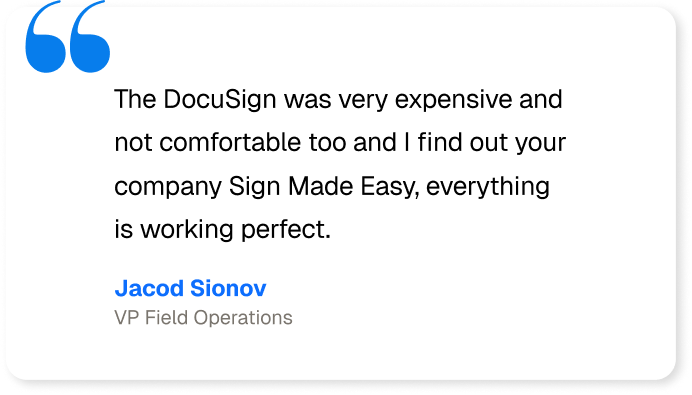
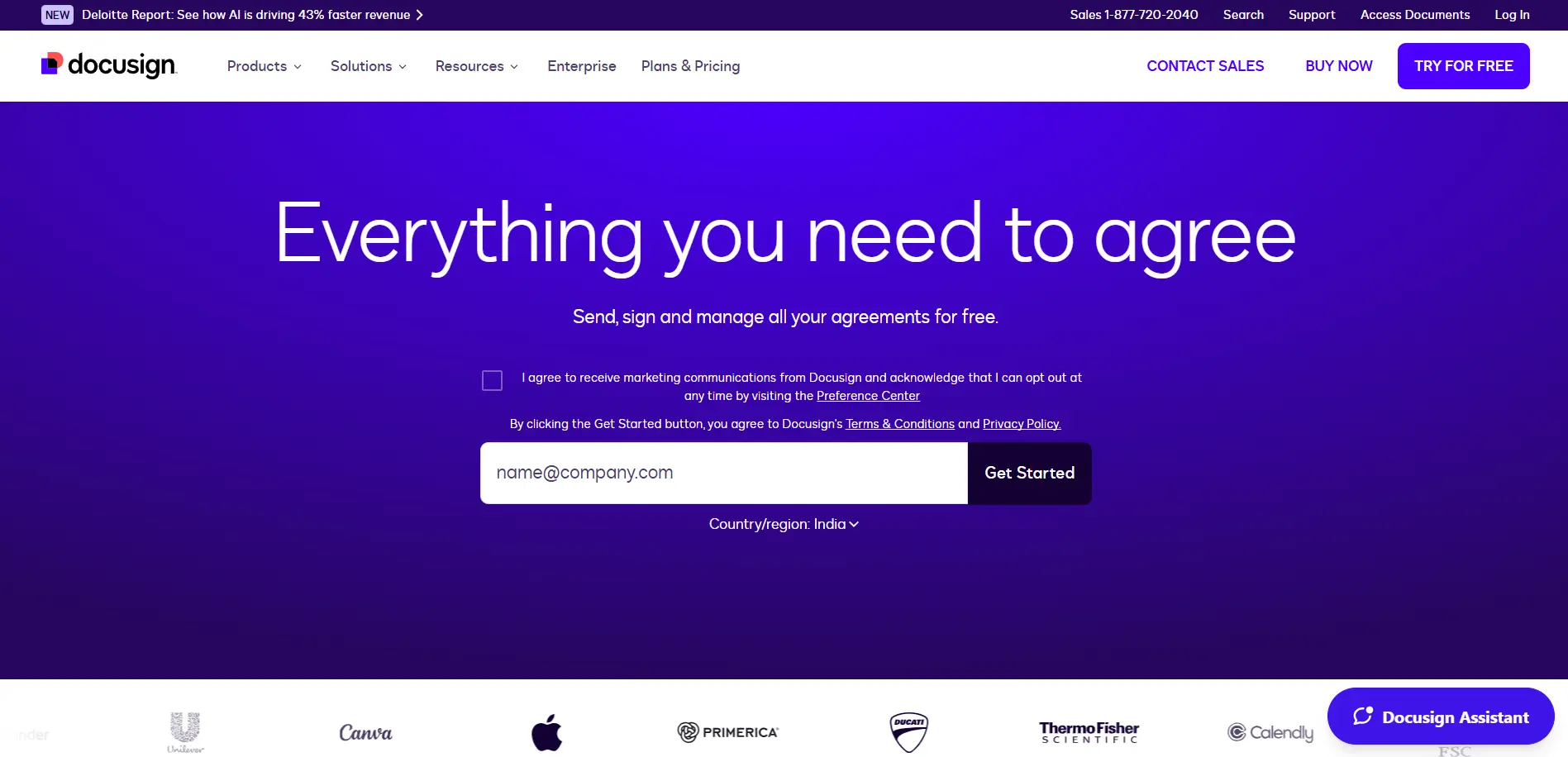
One of the most recognized names in the eSignature space, DocuSign offers a limited free plan ideal for individuals and small teams.
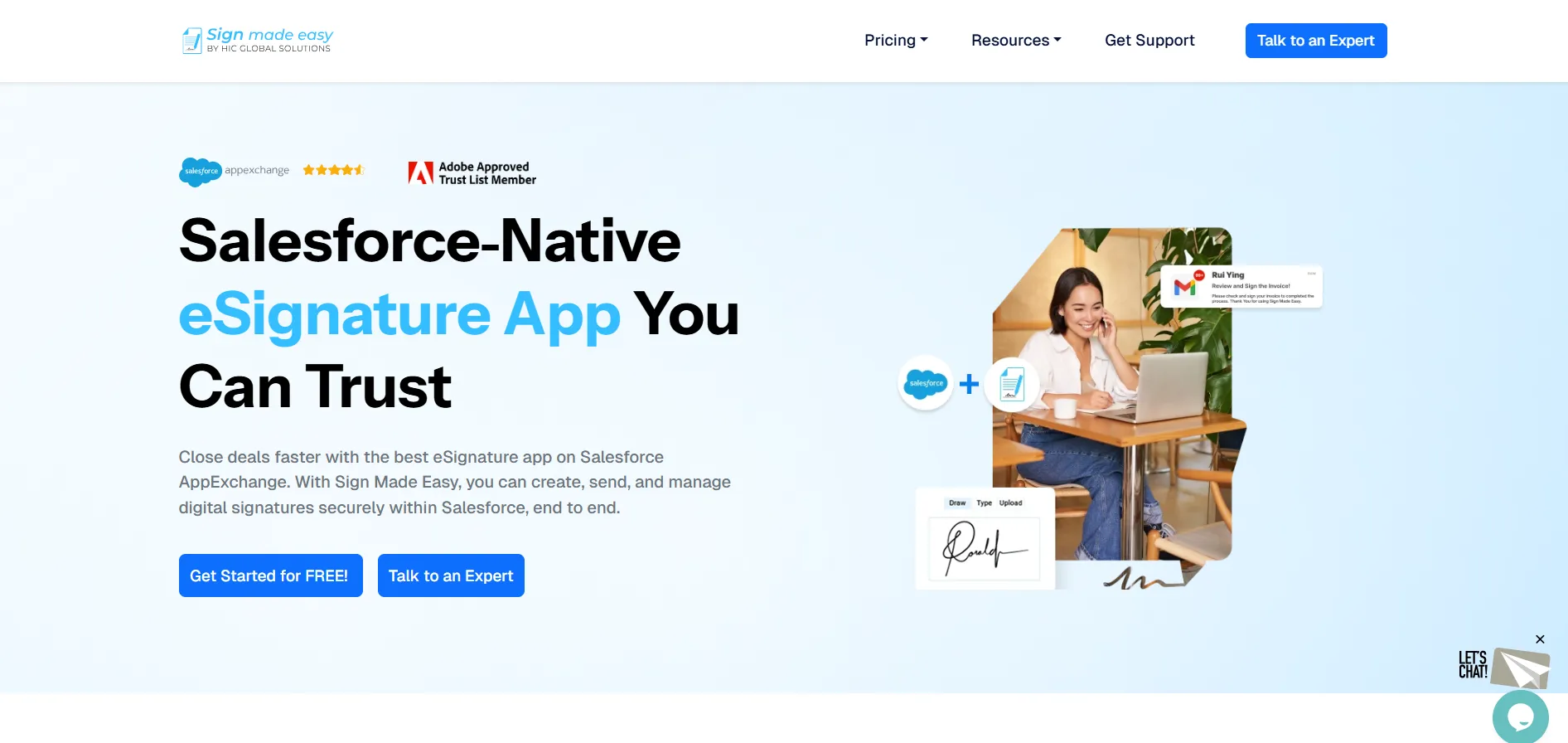
2. Sign Made Easy
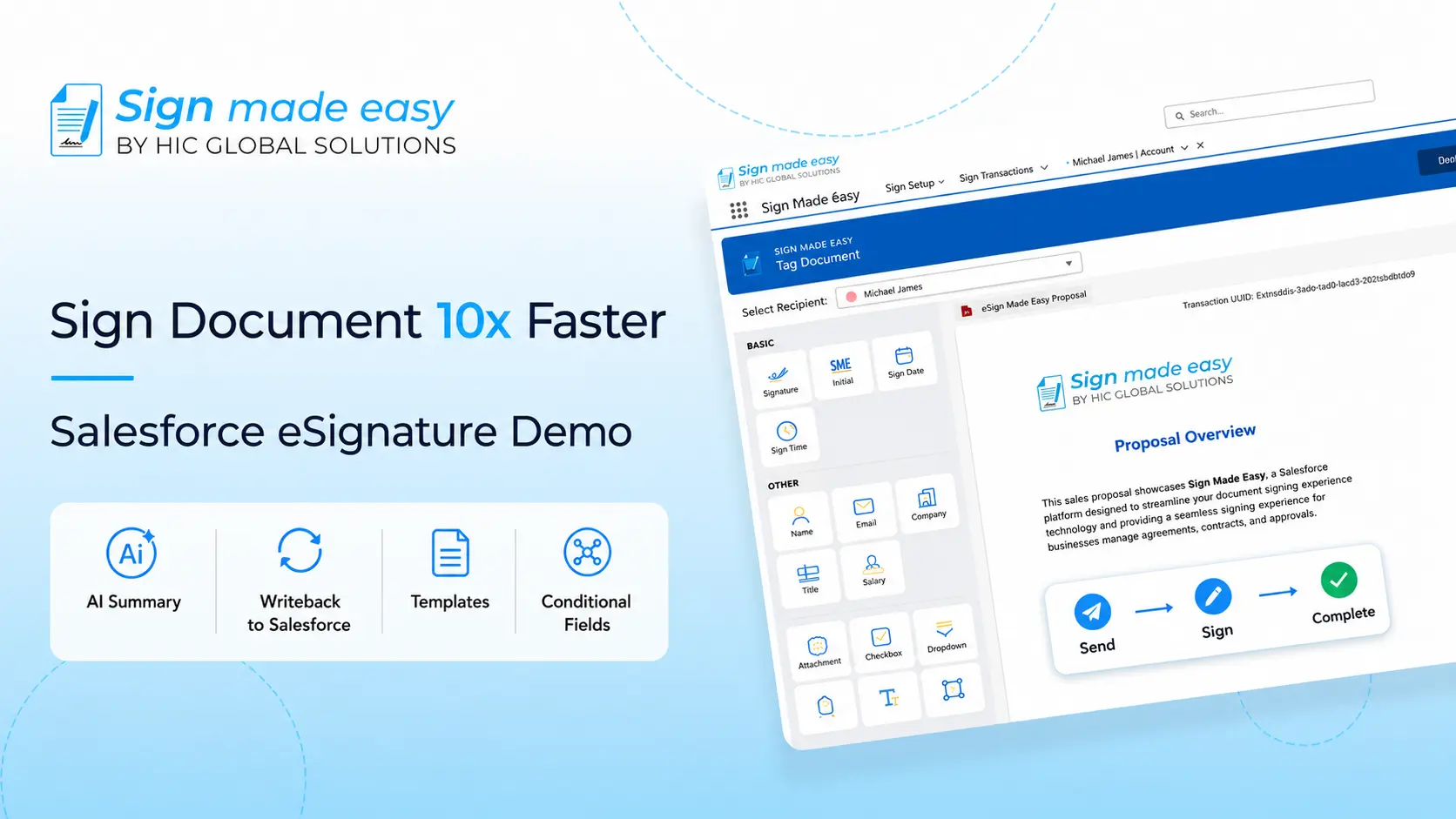
A growing Salesforce eSignature solution designed specifically for Salesforce users.
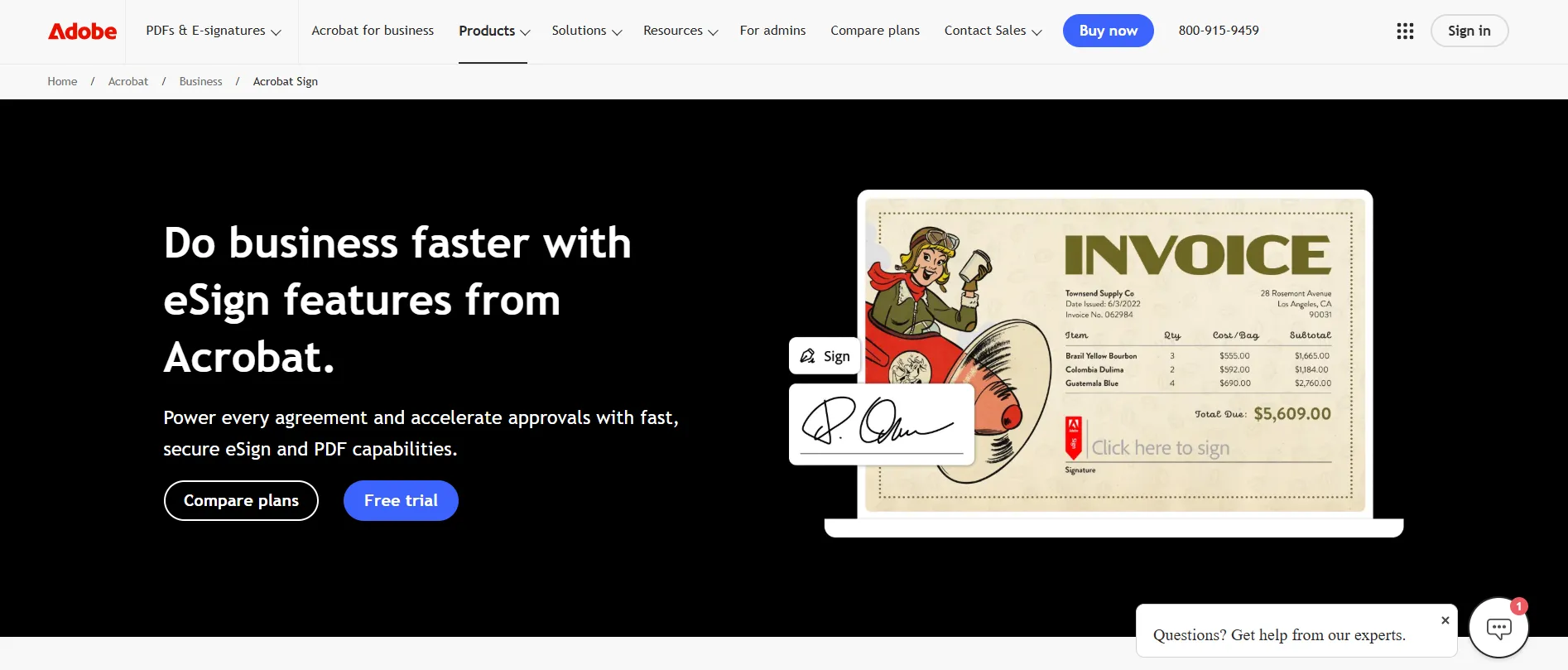
3. Adobe Acrobat Sign
Backed by Adobe, this tool integrates well with PDFs and document workflows.
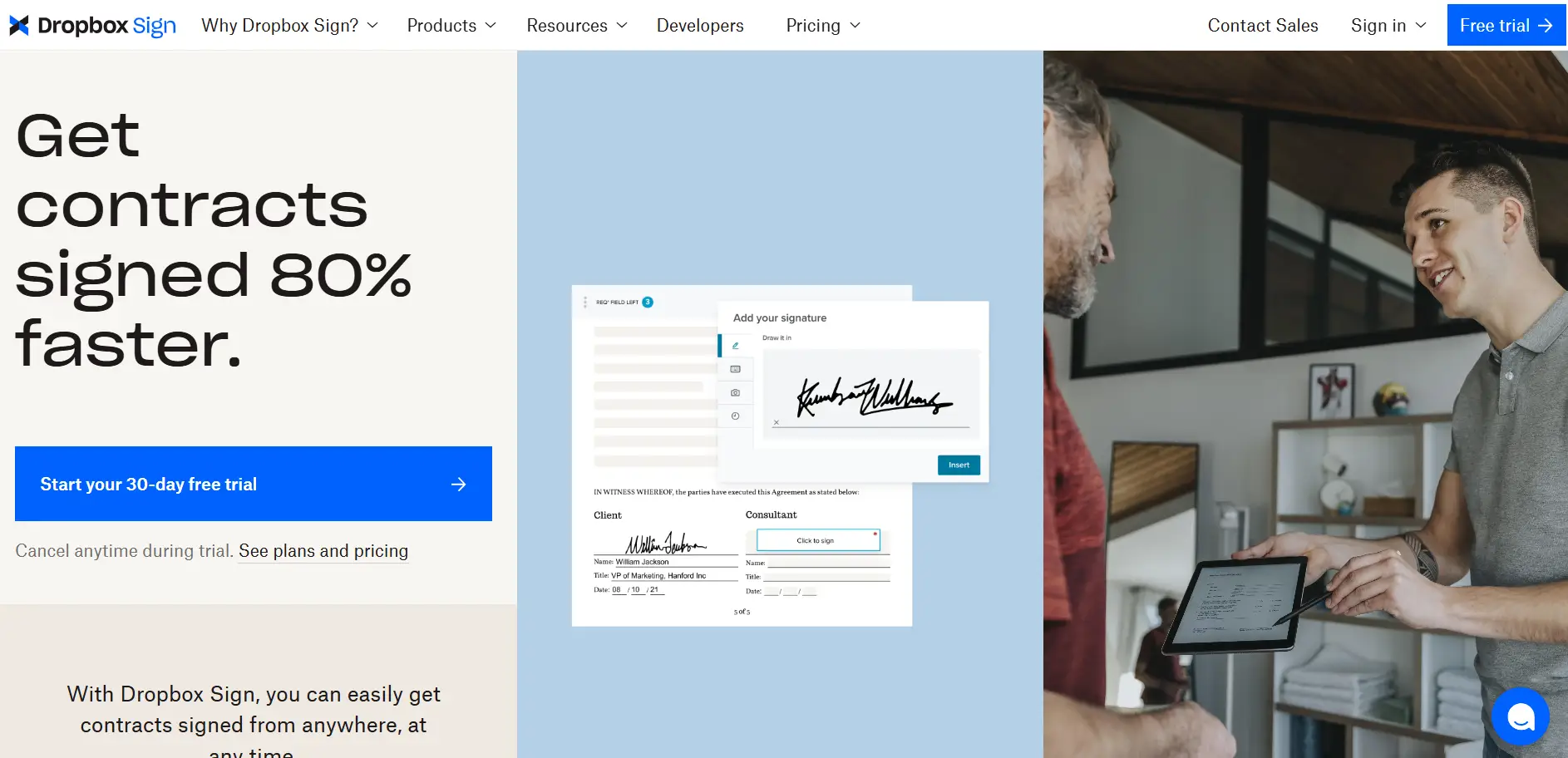
4. HelloSign (now Dropbox Sign)
A clean and user-friendly digital signature app designed for simplicity.
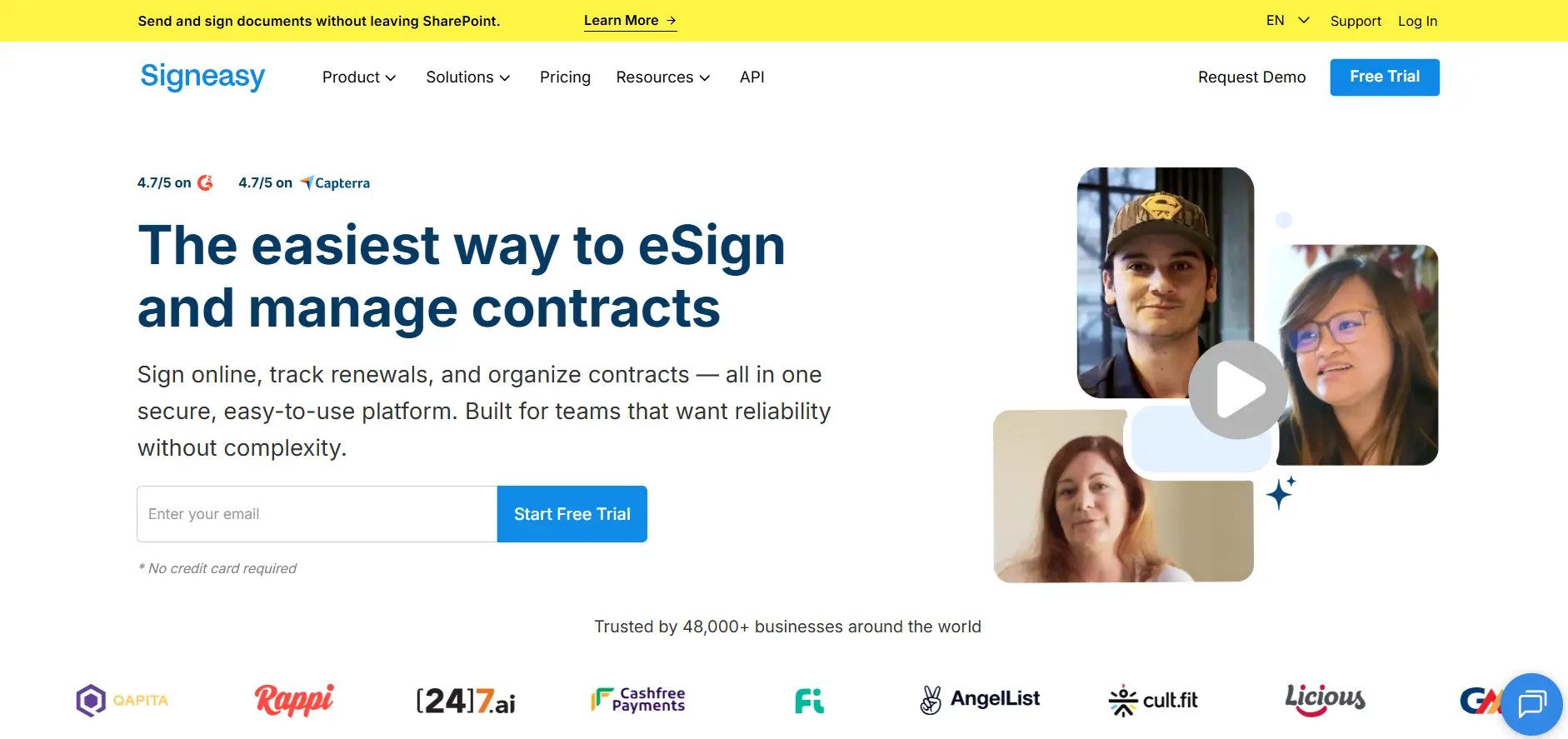
5. SignEasy
A mobile-first free eSign app designed for signing on the go.
Free vs Paid eSignature Apps: What’s the Real Difference?
Now that you’ve seen the top free eSignature apps, the next question is whether free tools are enough.
Free apps are great for:
- Basic document signing
- Low-volume usage
- Individual users
However, they often lack:
- Advanced automation
- Bulk sending
- CRM integrations
- Compliance features
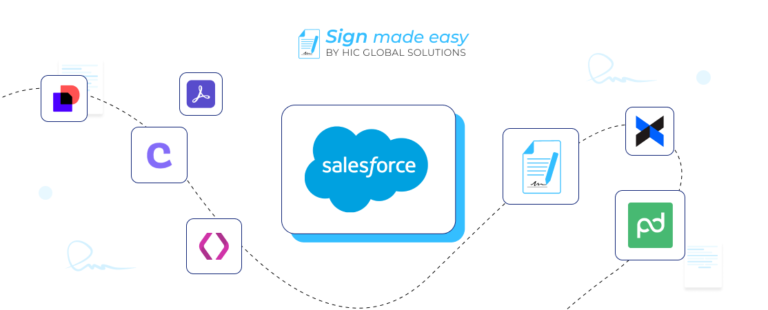
As businesses grow, many switch to paid solutions for scalability. This is where tools like a Salesforce eSignature solution become essential for automation and control.
How to Choose the Right eSignature App for Your Business
Choosing the right tool depends on your workflow maturity. If you’re just starting, a simple free e Sign app will work. But if your business relies on contracts, approvals, and CRM data, you need something more integrated.
Ask yourself:
- Do I need automation or just signing?
- Will I scale in the next 6–12 months?
- Do I need integration with Salesforce or other tools?
The answers will guide you toward the right solution. The answers will guide you toward the right solution.
If you’re looking for a scalable and CRM-connected approach, you should give Sign Made Easy a try, especially since it offers a powerful Salesforce eSignature solution that combines automation, data accuracy, and seamless integration to streamline your entire signing workflow.
Moreover, the future of digital signature apps is evolving rapidly with AI and automation.
We’re seeing:
- AI-powered document summaries
- Automated workflows
- Enhanced security with biometrics
- Deeper CRM integrations
Free tools will continue to exist, but the gap between free and advanced solutions will grow. Businesses that want efficiency and scalability will move toward smarter platforms.
Conclusion
Free eSignature Apps are a great starting point for businesses looking to digitize their document workflows. They offer convenience, speed, and cost savings, making them ideal for individuals and small teams.
However, as your needs grow, relying solely on free tools can limit your efficiency. Choosing the right digital signature app, especially one that integrates with your CRM like a Salesforce eSignature solution, can significantly improve productivity and business outcomes.
The key is simple: start free, but plan for scale.