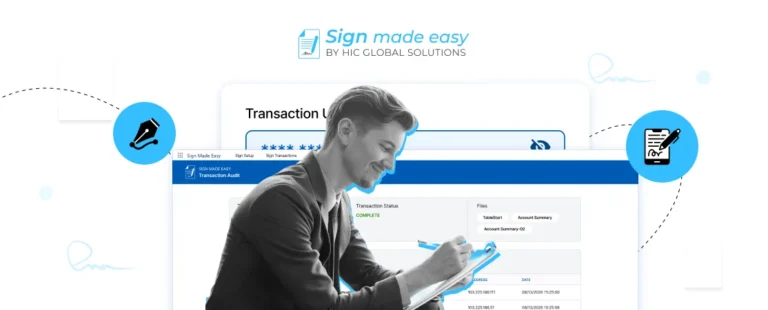






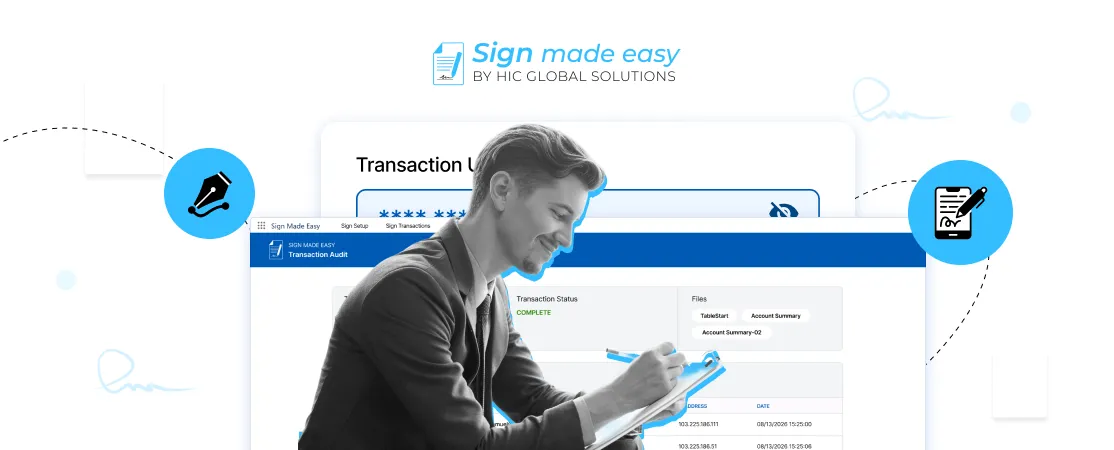
A signature may take only a few seconds, but preparing documents, sending reminders, and tracking approvals can take much longer. Sign Made Easy helps businesses simplify these steps and make digital signing more convenient within Salesforce.
As an eSignature software solution, Sign Made Easy brings document preparation, signer verification, transaction tracking, and signing workflows together. Its capabilities help businesses reduce repetitive tasks and manage digital agreements with greater visibility.
In this blog, we will explore the capabilities Sign Made Easy introduced in 2026 and the upcoming developments planned for 2027 that could make Salesforce eSignature workflows more flexible, secure, and efficient.
Sign Made Easy in 2026: Key Innovations and Capabilities
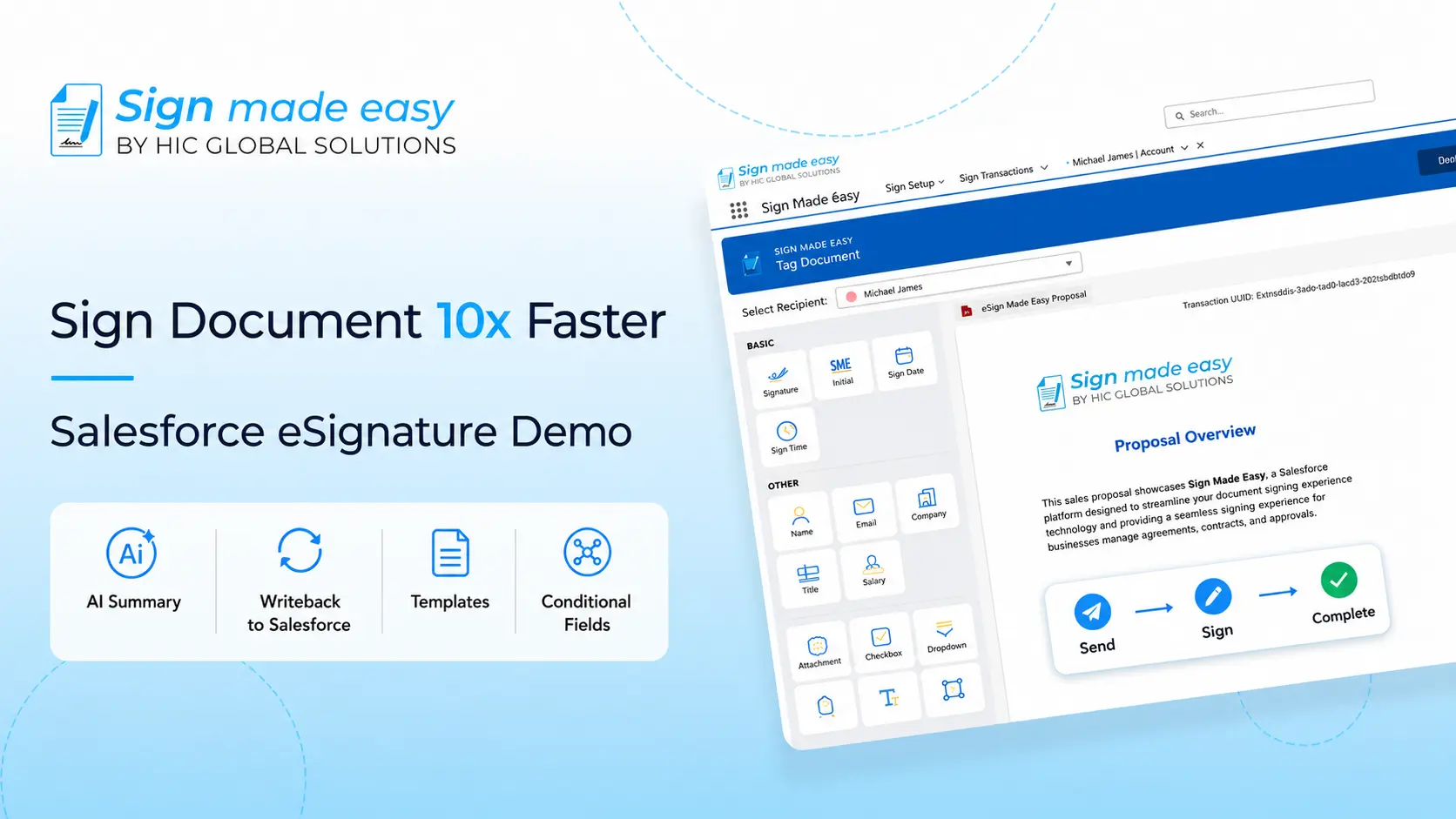
Sign Made Easy introduced several capabilities in 2026 to simplify how businesses prepare, send, and track documents for electronic signature. From conditional fields and reusable templates to authentication options and bulk signing, these enhancements address practical challenges in everyday signing workflows.
For businesses using Salesforce, these capabilities make Sign Made Easy a more flexible electronic signature solution, helping teams reduce manual work, improve transaction visibility, and manage documents more efficiently.
Not every signer needs to fill in the same information. With conditional fields, document creators can show or hide fields depending on the values entered or selected by the recipient.
For example, a customer choosing a particular service option could see only the questions relevant to that selection. This makes the signing process less cluttered and avoids asking people for unnecessary details.
Email is not always the quickest way to reach someone. Sign Made Easy supports notifications, reminders, and transaction updates through SMS and WhatsApp.
This gives businesses another way to contact recipients when a document is waiting for their attention. Additionally, timely reminders can help teams follow up without relying entirely on manual messages.
Signing requests are also part of the customer experience. With branded email support, organizations can configure their own SMTP server settings to send e-signature notifications from their business email accounts.
For customers, this can make a request feel more familiar and easier to recognize. It also helps businesses maintain a consistent identity throughout their communication.
Preparing similar documents repeatedly can take more time than expected. Sign Made Easy introduced Template Matching to compare uploaded documents with saved templates and apply details such as recipients, messages, and signing fields.
This can be particularly useful for teams handling recurring agreements, onboarding documents, and standard business forms. Instead of setting up every document from scratch, users can start with an existing template.
Sending a document to the right email address is important, but businesses may also need an extra layer of protection before someone can access it. Sign Made Easy supports authentication options such as email OTP, SMS OTP, and WhatsApp OTP, along with passcode verification.
These options give businesses more control over document access, particularly when handling confidential agreements or customer information. Additionally, choosing suitable verification methods can help balance security with a convenient signing experience.
Some documents still require a handwritten signature. Sign Made Easy supports Print and Sign workflows for situations where a physical signature is necessary.
This gives businesses more flexibility when dealing with customers, partners, or processes that cannot be completed entirely online. Thus, digital signing can fit alongside existing paper-based requirements instead of forcing every document into the same process.
Entering the same information repeatedly can slow down document completion and introduce mistakes.
Sign Made Easy supports prefill for basic Text and Number tags using Salesforce record data. Users can map Salesforce fields to supported tags while configuring a document or template.
For teams already working in Salesforce, this can reduce manual data entry and help keep document information consistent with existing records.
Preparing similar documents often means adding the same fields repeatedly. Custom Tags in Sign Made Easy let users create reusable Text, Number, and Dropdown tags with configured properties, formatting, and predefined values.
This makes document preparation more consistent and saves time when teams work with recurring forms, agreements, and other business documents.
When several documents are waiting for signatures, checking each transaction separately can become time-consuming. The Sign Dashboard provides a centralized view of transaction statuses across users.
This helps teams identify pending requests, keep track of signing progress, and follow up when necessary. Additionally, having this information in one place makes it easier to manage multiple transactions.
Sending signature requests individually can take considerable time when a business handles multiple Salesforce records. Bulk Sign allows users to initiate multiple signature transactions for selected records, with a separate transaction created for each record.
For teams managing recurring agreements or customer documents, this can reduce repetitive work and make high-volume signing more manageable.
Once a document has been signed, businesses may need a record confirming that the transaction was completed. Sign Made Easy generates a Completion Certificate after a transaction is successfully completed.
This certificate provides supporting documentation for future reference, internal reviews, and recordkeeping. Additionally, it can help teams maintain a clearer record of completed signing transactions.
The Future of Digital Signing: Key Trends and Opportunities
The direction is becoming clearer: businesses want the entire process to work smoothly, not just the final signature.
A June 2026 analysis by Frost & Sullivan projected that the global digital trust and eSignature ecosystem would generate $13.48 billion in revenue in 2026 and reach approximately $20.84 billion by 2031. The analysis highlights the growing importance of identity verification, document integrity, and connected digital trust capabilities.
This also reflects broader digital signature trends, where security and workflow management are becoming just as important as convenience.
For a business evaluating eSignature software, the practical questions are straightforward:
- Can employees prepare and send documents without repeating the same work?
- Can recipients verify their identity when required?
- Can teams see which documents are pending or completed?
- Can the signing process fit into existing business systems?
Additionally, Salesforce eSignature workflows can become more useful when document activity, customer records, and signing statuses are connected.
The Vision for Sign Made Easy in 2027 and Beyond
As digital signature trends continue to evolve, Sign Made Easy is moving toward new developments that could make signing workflows more flexible, intuitive, and efficient.
These upcoming capabilities focus on smarter document preparation, easier transaction management, and better control over approvals and changes throughout the signing process.
Here are some of the new developments shaping the future of Sign Made Easy.
Sometimes a document is sent with an incorrect detail, or an agreement no longer needs to be signed. A correction and void capability could help users manage these situations without unnecessary confusion.
For example, an authorized user could correct an eligible pending transaction or cancel a request that should no longer proceed. Clear status updates and an activity record would help everyone understand what happened.
Preparing a document for signing can involve manually placing signature fields, dates, and other input areas. AI-powered tag assignment could identify these fields and suggest where they belong.
Users could review the suggested placements before sending the document, keeping the process efficient without giving up control. For teams that prepare similar agreements regularly, this could make eSignature software more convenient to use.
Some documents need a manager or legal team to review them before they reach an external signer. An internal approval step could allow the document creator to prepare a transaction and send it for review first.
Once the authorized person approves it, the signing process could continue. Furthermore, visible approval statuses could help teams avoid chasing updates across separate emails.
Not every document is ready to send immediately. Users may still need to confirm details, review terms, or wait for information from another team.
A Save Draft capability could allow them to preserve their progress and return to the transaction later. This would be especially helpful when preparing longer agreements or documents that require several checks before sending.
Recipients generally want a straightforward way to open and sign a document. A direct signature link in an email could reduce extra navigation and make the signing process easier to follow.
With suitable access controls and authentication, this approach could help customers reach the correct document more conveniently, especially when they are signing an agreement for the first time.
Recipient details can change, and a document may need an update after a transaction has been created. A capability to edit eligible pending transactions could help authorized users make these adjustments without starting over unnecessarily.
For instance, correcting a recipient’s details or updating an unsigned document could save time. Appropriate restrictions and change tracking would remain important to protect document integrity and preserve a clear signing history.
These possibilities point toward a more flexible future for Salesforce eSignature workflows, where preparing, reviewing, correcting, and signing documents can happen with fewer interruptions.
Conclusion
Sign Made Easy continues to simplify digital signing in Salesforce by bringing document preparation, signer verification, transaction tracking, and signature management into everyday business workflows. Its existing capabilities help teams reduce repetitive tasks, while planned enhancements could make document handling even more flexible in 2027.
As electronic signature needs evolve, Sign Made Easy offers businesses a practical way to manage agreements without adding unnecessary complexity. Ready to simplify your signing process? Install Sign Made Easy from Salesforce AgentExchange and explore a more convenient approach to Salesforce eSignature.