

How many times has a deal been delayed because someone forgot to sign a document?
Small businesses handle a surprising number of documents every day. From customer agreements and vendor contracts to onboarding paperwork and compliance forms, getting signatures is a critical part of keeping operations moving. Yet many businesses still rely on manual processes that involve printing, scanning, emailing, and chasing signatures.
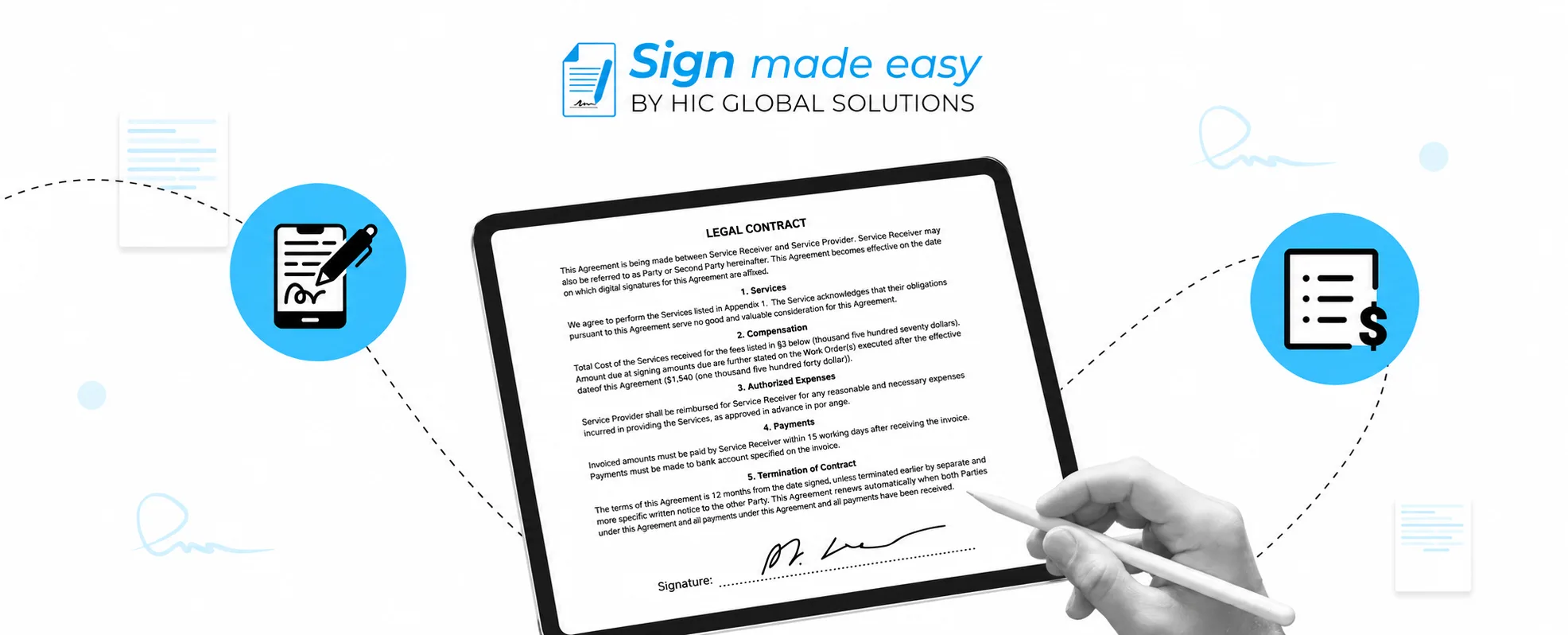
An eSignature solution simplifies this process by allowing documents to be signed electronically from anywhere. Instead of waiting days for paperwork to be completed, businesses can send documents instantly, track their status, and receive signed copies in minutes.
As digital-first operations continue to grow, more organizations are adopting electronic signatures to improve efficiency and create better experiences for customers, employees, and partners. Understanding the most common eSignature solutions use cases can help small businesses identify where digital signing can deliver the greatest impact.
eSignature Solutions Use Cases for SMBs
Businesses across industries use electronic signatures in different ways. Below are some of the most practical and widely adopted eSignature solutions use cases today.
Sales Contracts
Sales contracts are often the final step before a deal is officially closed. Whether a business sells software, consulting services, marketing packages, or professional services, contracts are needed to define pricing, deliverables, and terms.
Manual signing processes can slow down deals when customers need to print documents, sign them, and send them back. An esignature solution removes these delays by allowing agreements to be signed electronically from any device.
Example Workflow
- Sales representative generates a contract from the CRM
- Contract is sent automatically to the customer
- Customer reviews and signs the agreement online
- Internal stakeholders receive completed copies
- Signed contract is stored within company records
This is one of the most common eSignature solutions use cases because it helps businesses move from negotiation to project execution much faster.
Non-Disclosure Agreements (NDAs)
Businesses regularly share confidential information with potential clients, investors, contractors, vendors, and strategic partners. Before these conversations begin, NDAs are often required to protect sensitive information.
Traditional NDA processes can create unnecessary delays, especially when multiple parties are involved. An esignature solution allows organizations to distribute and collect signed NDAs within minutes.
Example Workflow
- Business prepares an NDA template
- Document is sent to a prospective partner
- Recipient reviews terms digitally
- Signature is completed online
- Signed NDA is archived automatically
Among modern eSignature solutions use cases, NDAs are one of the easiest areas where businesses can replace manual paperwork immediately.
Vendor Agreements
Managing vendors requires contracts that define responsibilities, pricing, service expectations, payment terms, and compliance requirements.
Without a digital process, vendor onboarding can involve multiple email exchanges and lengthy approval cycles. eSignature for Salesforce helps procurement and operations teams manage these agreements more efficiently, ensuring faster turnaround and better visibility across the process.
Example Workflow
- Vendor submits onboarding information
- Procurement team generates an agreement
- Required approvals are completed internally
- Vendor signs electronically
- Completed agreement is saved within company systems
Vendor management remains one of the most practical use cases for eSignature for Salesforce, especially for businesses that work with multiple suppliers or service providers.
Employee Onboarding Documents
Hiring new employees often involves a large amount of paperwork. Offer letters, employment contracts, policy acknowledgments, tax forms, and compliance documents must all be completed before onboarding is finalized.
For remote and hybrid teams, mailing physical documents is no longer practical. An esignature solution allows HR teams to send onboarding packages digitally and collect signatures before the employee’s first day.
Example Workflow
- HR team prepares onboarding documents
- New hire receives signing request via email
- Required forms are reviewed and signed online
- Completed documents are routed to HR records
- Employee onboarding process continues automatically
Employee onboarding has become one of the fastest-growing eSignature solutions use cases as companies continue to embrace flexible work environments.
Client Service Agreements
Service-based businesses often rely on contracts to establish project scope, timelines, payment schedules, and expectations before work begins.
Waiting for signed agreements can delay project kickoffs and create unnecessary back-and-forth communication. An esignature solution streamlines the process by allowing clients to review and sign documents digitally.
Example Workflow
- Proposal receives client approval
- Service agreement is generated automatically
- Client reviews terms online
- Electronic signature is completed
- Project team receives notification to begin work
This use case is particularly valuable for agencies, consultants, legal firms, accounting firms, and professional service providers.
Types of eSignatures
Different business situations require different levels of verification and security. Understanding the various types of electronic signatures helps organizations choose the right approach for their workflows.
Simple Electronic Signatures (SES)
Simple electronic signatures are the most basic form of digital signing. They can include typed names, uploaded signature images, or signatures drawn using a mouse or touchscreen.
These signatures are commonly used for everyday business documents where advanced identity verification is not required.
Advanced Electronic Signatures (AES)
Advanced electronic signatures provide an additional layer of security by linking the signature to the signer and helping detect any changes made after signing.
Organizations often use advanced signatures when handling contracts, financial documents, or agreements involving sensitive information.
Qualified Electronic Signatures (QES)
Qualified electronic signatures offer the highest level of assurance and legal validity. They require identity verification through trusted certification authorities and are commonly used in highly regulated industries.
Businesses operating in legal, government, healthcare, and financial sectors may require qualified signatures for specific transactions.
Best eSignature Solution for Salesforce
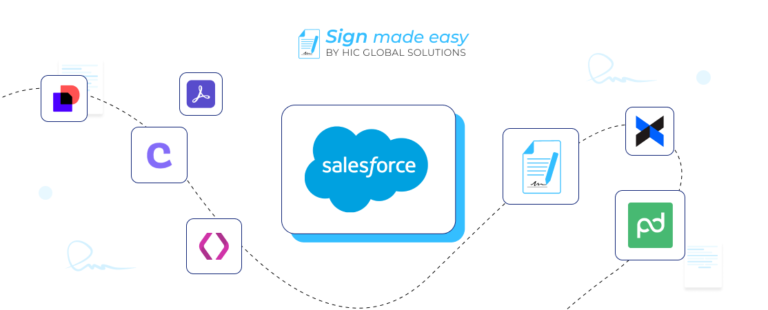
Businesses using Salesforce often want their document workflows to remain inside the platform instead of switching between multiple applications. This is where an eSignature solution for Salesforce becomes essential.
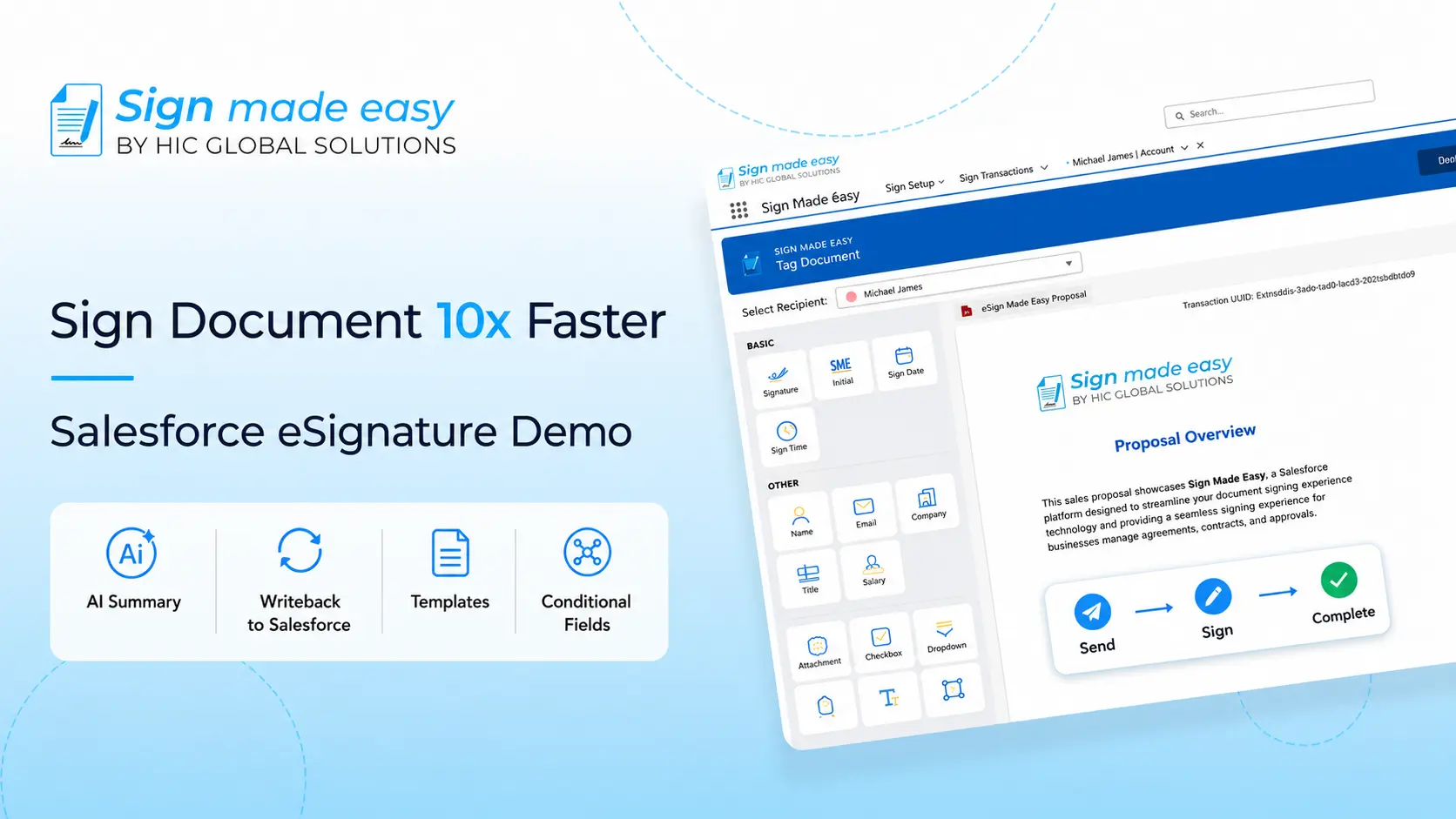
Sign Made Easy is designed specifically for Salesforce users looking to streamline document generation, approvals, signing, and management from a single platform.
As a dedicated eSignature solution for Salesforce, it allows teams to send documents, track progress, and manage signed agreements directly from Salesforce records.
Why Choose Sign Made Easy?
For organizations looking for a powerful eSignature solution for Salesforce, Sign Made Easy provides the tools needed to automate document workflows without increasing complexity.
You can install the app directly from Salesforce AppExchange and start managing eSignature workflow within your existing Salesforce environment.
Conclusion
Electronic signatures have become a core part of modern business operations. From sales contracts and NDAs to employee onboarding and vendor management, there are countless eSignature solutions use cases that help businesses move faster and manage documents more efficiently.
Choosing the right app can eliminate manual paperwork, improve visibility, and simplify approvals across teams. For Salesforce users, choosing a Salesforce native solution like Sign Made Easy adds even more value by keeping document workflows connected to customer and business data.
Want to see how Sign Made Easy works in your Salesforce environment?
Book a call now to explore its features, see real-world use cases, and discover how it can simplify document signing, approvals, and contract management for your business.