Sign Made Easy vs Docusign

Stop overpaying for eSignatures, switch to a smarter DocuSign alternative for Salesforce.

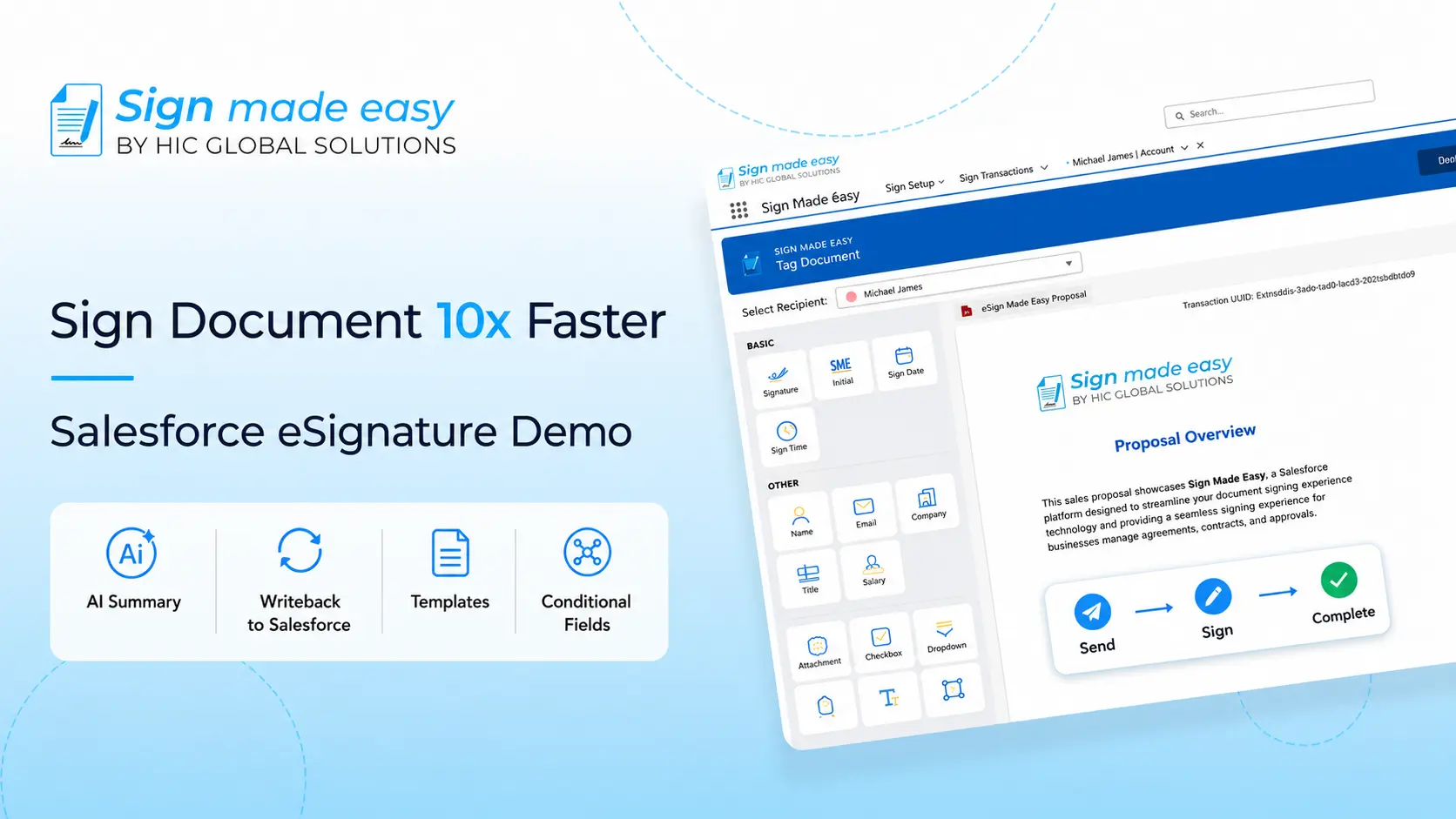
Sign Made Easy
VS
Adobe Sign

100% Salesforce Native

Built directly inside Salesforce. Your data never leaves your CRM environment, ensuring maximum security and zero third-party middleware risks.

Unlimited Transactions

Say goodbye to strict document quotas and surprise overage fees. Send as many signature requests as your business requires.

Real-Time CRM Sync

Automatically write back captured form data into standard and custom Salesforce fields instantly upon signature completion.

Enterprise Compliance

Fully compliant with SOC 2 Type II, GDPR, HIPAA, and the ESIGN Act with detailed, real-time audit trails included out of the box.

The Real Difference Starts Here

Real differences start after you click "Send." Explore how both platforms handle Salesforce workflows, automation, pricing, and agreement management.

Feature / Capability Sign Made Easy
Automated Workflows
Salesforce Data Writeback
Real-Time Audit Trail
Multilingual Signing
Conditional Fields
In-Person Signatures
Cost-Effective for Growing Teams
Interactive UI
Built-In App Support 24/7 Live Support Limited
One-Time Setup
Salesforce Native

Migration Guide: Moving from DocuSign to Sign Made Easy

Transitioning your templates, automated flows, and users takes just 5 clear steps with zero operational downtime.

01

Audit Existing DocuSign Setup

Inventory your existing DocuSign templates, dynamic field merge tags, user licenses, and active automated triggers in Salesforce. Ensure all signed historical PDFs are attached to target records.

02

Install Sign Made Easy Natively

Download the app from the Salesforce AppExchange. Assign native Permission Sets (Sign Made Easy Admin/User) and add document buttons to your Opportunity, Account, or Contract layouts.

03

Rebuild Templates & CRM Field Mappings

Upload document templates and map Salesforce fields using our drag-and-drop editor. Define dynamic conditional logic, recipient signing order, and automatic CRM field updates.

04

Migrate Workflows to Salesforce Flows

Replace external API triggers with standard **Salesforce Declarative Flows**. Automatically dispatch agreement envelopes when Opportunity stages change or records update.

05

Test, Onboard & Decommission DocuSign

Execute User Acceptance Testing (UAT), train team members on the native Salesforce interface, and deactivate legacy DocuSign subscriptions to cut redundant costs.

eSignature Solution for Salesforce
Salesforce eSignature Solution
Digital Signature in Salesforce
eSignature for Salesforce
salesforce digital signature
eSignature Solution for Salesforce
Salesforce eSignature Solution
Digital Signature in Salesforce
eSignature for Salesforce
salesforce digital signature

Frequently asked questions

Many businesses start exploring DocuSign alternatives when they need more predictable pricing, Salesforce-focused workflows, greater flexibility, or features that better align with their document processes.
DocuSign offers enterprise capabilities, but growing businesses often compare its pricing with Salesforce-native alternatives to determine whether they're paying for features they actually use.
Because DocuSign is widely recognized, cybercriminals often impersonate its email notifications in phishing campaigns. Businesses should always verify the sender and avoid clicking suspicious links in unexpected signing requests.
Yes. Most Salesforce teams evaluate migration options based on template compatibility, workflow continuity, user adoption, and how easily the new solution integrates with existing CRM processes.
Beyond feature lists, compare pricing transparency, Salesforce integration, workflow automation, customization, customer support, scalability, and long-term maintenance costs before making a decision.

Ready to eSign documents, sign PDFs online, and modernize your Salesforce workflows?

Request a demo or learn how Sign Made Easy can transform your document signing process.

Get Started For FREE! Talk to an Expert