







Are you also tired of seeing your eSignature costs increase every time you check your plan?
Many businesses start with Conga Sign because it connects well with Salesforce. But later, as workflows become bigger and requirements change, teams start searching for a Conga Sign alternative that gives more flexibility without making things complicated.
The thing is, an eSignature tool is not only about collecting signatures. It is also about how easily documents move, how Salesforce data connects, and how smoothly teams can manage the complete process.
In this blog, we will compare popular eSignature apps like Sign Made Easy, Adobe Sign, DocuSign, Titan, and SignNow to see which one can deliver more value for Salesforce users.
Top 5 eSignature Apps to Consider as a Conga Sign Alternative
The eSignature market has grown a lot, and honestly, there are many options available today.
The confusing part is not finding a tool. The confusing part is finding the one that actually matches your workflow.
Some businesses need simple signing. Some need complete Salesforce automation. Some want better control over templates, approvals, and document tracking. Therefore, the right choice depends on what problems the business is trying to solve.
Before selecting an eSignature platform, companies usually look at:
- Salesforce connectivity
- Document workflow automation
- Security and compliance
- Pricing structure
- Customization options
- Ease of daily usage
Additionally, companies comparing Conga Sign pricing usually look beyond the number on the pricing page. They also consider how much time the platform saves and how easily it fits into existing processes.
1. Sign Made Easy
When a business already runs its operations inside Salesforce, moving documents outside the system can create unnecessary extra work.
This is where Sign Made Easy fits in.
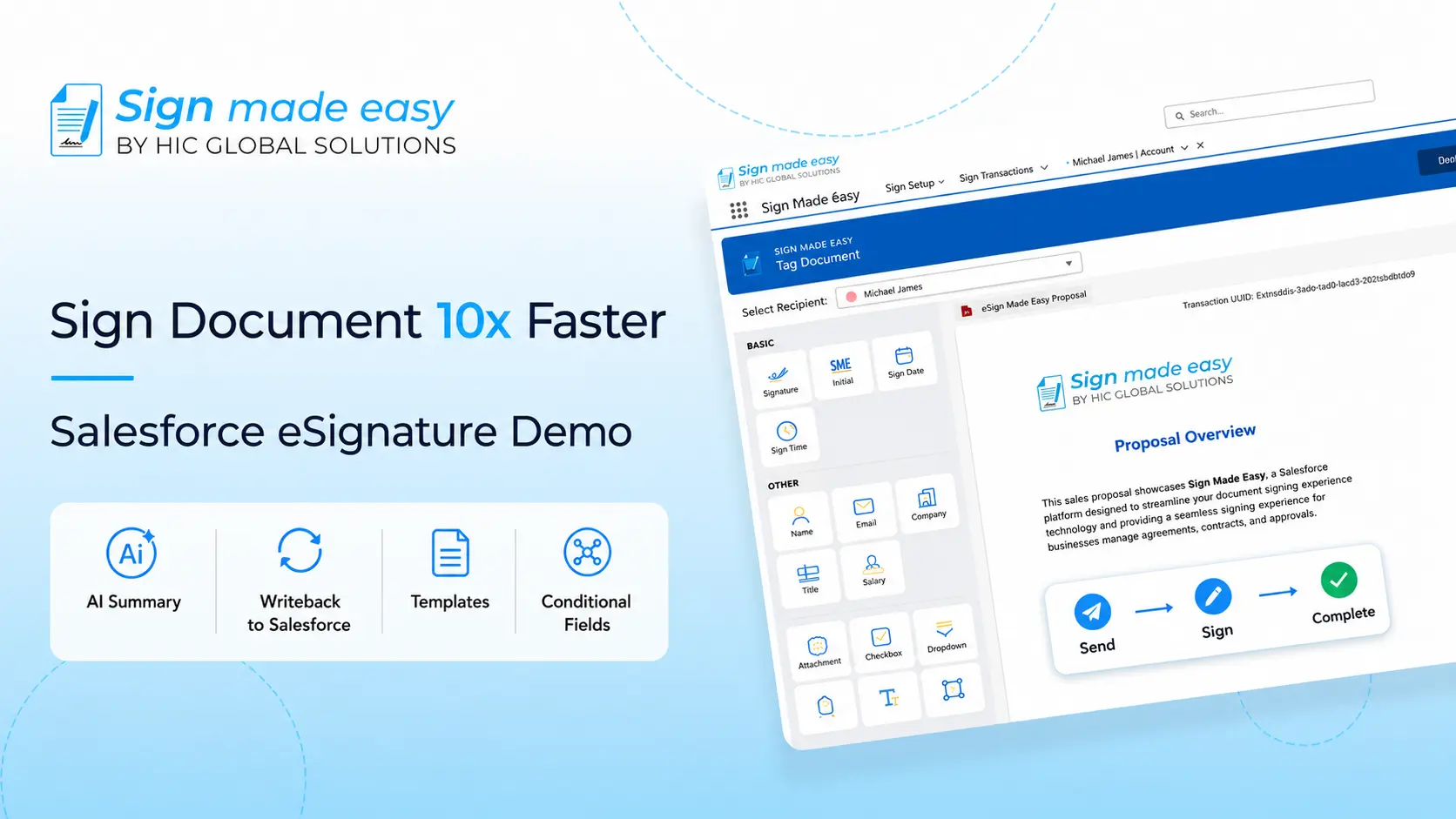
It helps businesses manage their signing process directly with Salesforce workflows, so teams do not have to keep switching between different applications for every small update.
For companies looking for an eSignature solution for Salesforce, having documents, customer records, and signing activities connected together can make everyday work much smoother.
With Sign Made Easy, businesses can:
- Create and send documents directly from Salesforce
- Use customizable document templates
- Automate document sending workflows
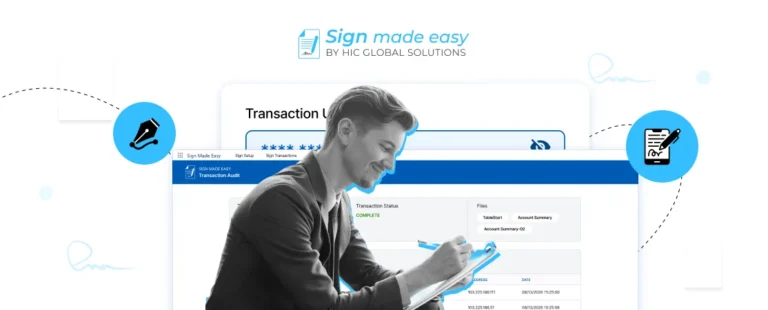
- Track signing status in real time
- Maintain complete audit trails
- Support multiple business units
- Manage signing workflows in different languages
- Keep completed documents connected with Salesforce records
Pricing:
- Pro: $9.99 per month/user, billed yearly
- Pro Plus: Flexible billing with custom pricing
When businesses compare a Conga Sign alternative, they usually want something that works with their current Salesforce setup instead of forcing teams to change the way they already work.
2. Adobe Acrobat Sign
Adobe Acrobat Sign is one of those names most businesses already know.
Because Adobe has been part of the document industry for years, many organizations naturally consider it when searching for digital signing tools.
The platform provides electronic signatures, document tracking, and workflow features that support different business requirements.
It can be a good fit for companies already using Adobe products across their organization.
Key features include:
- Electronic signatures
- Document management
- Workflow automation
- Enterprise security options
- Integration support
However, companies that depend heavily on Salesforce often compare how smoothly each platform works inside their CRM environment.
3. DocuSign
DocuSign is another platform that usually appears in almost every eSignature discussion.
The platform has been widely adopted by businesses across industries for agreements, contracts, and approval workflows.
Companies often consider it because of its strong market presence and large customer base.
A business exploring a Conga eSignature alternative may compare DocuSign based on:
- Agreement management
- Signature workflows
- Templates
- Tracking features
- Reporting capabilities
Additionally, organizations using Salesforce often look at how easily the platform connects with their existing processes.
4. Titan
Titan takes a slightly different approach.
Instead of focusing only on signatures, it combines Salesforce forms, document workflows, and automation capabilities together.
For businesses that want to build more connected Salesforce experiences, Titan can be another option to explore.
It supports:
- Salesforce forms
- Document workflows
- Data collection
- Automation capabilities
- Custom business processes
Companies looking for eSignature for Salesforce often compare Titan with other platforms depending on how much customization they need.
5. SignNow
SignNow is another popular option for businesses looking for digital signing capabilities without overly complex processes.
It focuses on making document signing simple while providing features needed for teams handling agreements regularly.
Some features include:
- Electronic signatures
- Document templates
- Team collaboration
- Workflow management
- Mobile signing
For businesses comparing different platforms, SignNow can be considered based on pricing, usability, and required integrations.
Which Is the Best Conga Sign Alternative?
Choosing the right platform depends on what a business actually needs.
Some companies only need signatures. Others need a complete Salesforce-connected process where documents, data, approvals, and customer records work together.
For Salesforce-focused businesses, Sign Made Easy provides a more connected approach by keeping document signing activities close to Salesforce workflows.
Instead of treating signing as a separate step, businesses can manage the complete document journey within their existing Salesforce environment.
Companies choose Sign Made Easy because it helps them:
- Manage Salesforce-based signing workflows
- Generate documents from Salesforce records
- Automate document sending and tracking
- Create reusable document templates
- Maintain secure audit trails
- Support customized business processes
Here’s a quick comparison of how Sign Made Easy compares with Conga Sign:
| Feature / Capability | Sign Made Easy | Conga Sign |
|---|---|---|
| Interactive UI | ✓ | ✗ |
| Salesforce Native | ✓ | ✗ |
| Quick Workflow Configuration | ✓ | ✗ |
| 24/7 Live Support | ✓ | ✗ |
| Flexible Customization for Different Teams | ✓ | ✗ |
| Easy Day-to-Day Management | ✓ | ✗ |
| In-Person Signatures | ✓ | ✓ |
| Conditional Fields | ✓ | ✓ |
| Multilingual Signing | ✓ | ✓ |
| Business Unit | ✓ | ✓ |
| Salesforce Data Writeback | ✓ | ✓ |
| Reusable Sign Templates | ✓ | ✓ |
| Audit Trail | ✓ | ✓ |
Conclusion
Selecting an eSignature platform is not only about collecting signatures.
The bigger picture is how easily the platform fits into daily business operations, especially when Salesforce is already an important part of the workflow.
While many companies compare options like Conga Sign, Adobe Sign, and DocuSign, businesses looking for a Salesforce-connected experience often explore solutions that provide more flexibility and control.
Sign Made Easy helps organizations simplify document workflows, keep Salesforce data connected, and create smoother signing experiences.
If you are looking for a smarter way to manage Salesforce signing workflows, explore Sign Made Easy and see how it can simplify your business processes.