





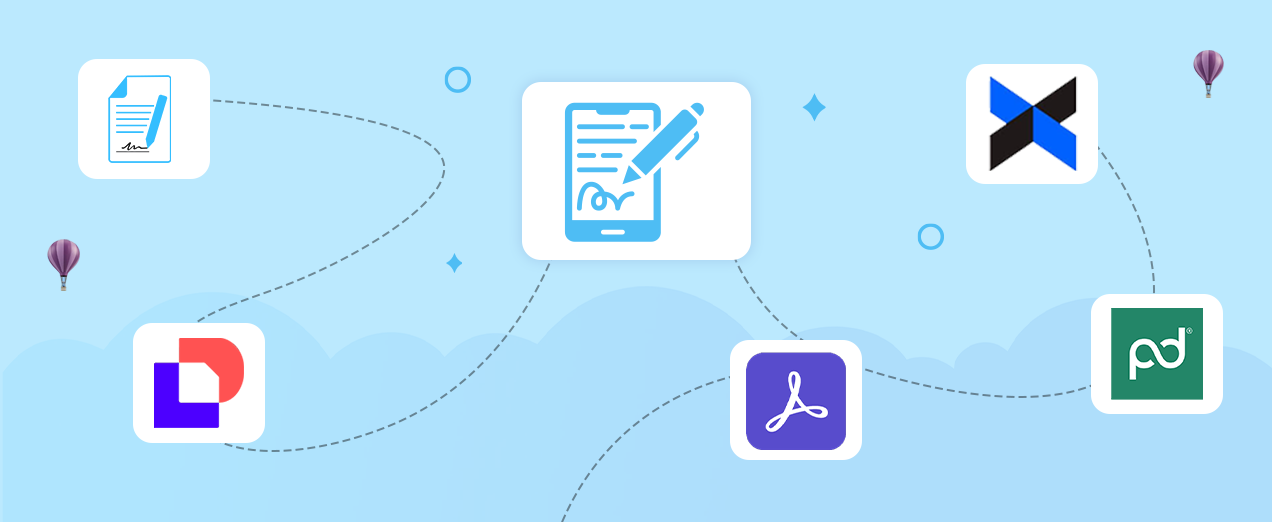
In 2026, agility, compliance, and automation will no longer be optional. That’s where eSignature apps for Salesforce come into play. These powerful apps use entirely digital, audit-ready procedures to accelerate deal closes, assure legally binding approvals, and remove bottlenecks.
Whether you’re closing sales contracts, onboarding in HR, finishing NDAs in legal, or monitoring service agreements in customer support, digital signatures have become crucial for staying competitive and safe.
But with so many alternatives available on the Salesforce AppExchange, it becomes nearly impossible to choose the best eSignature apps for Salesforce in 2026. In that case, we have your back, don’t worry, we have done the legwork. The following are the top-rated tools making waves this year, known for their scalability, compliance, and cutting-edge features.
Why You Need eSignature Apps for Salesforce in 2026?
The days of scanning, printing, and chasing manually signed documents are over now. In 2026, businesses will upgrade to electronic signature apps that are:
- 100% Salesforce native or completely integrated
- Legal compliance (ESIGN Act, eIDAS, etc.)
- Mobile-friendly and designed for hybrid workflows
- Designed to streamline contract approvals and expedite sales processes
- Whether you’re a startup or a business, adopting an appropriate eSign app may save you hundreds of hours each year
Top 5 eSignature Apps for Salesforce in 2026
Let us cut to the chase. Here are this year’s top eSignature solutions for Salesforce, ranked on functionality, user ratings, simplicity of use, and price.
1. Sign Made Easy
Best for: Teams seeking a powerful, budget-friendly, and easy interface.
Overview:
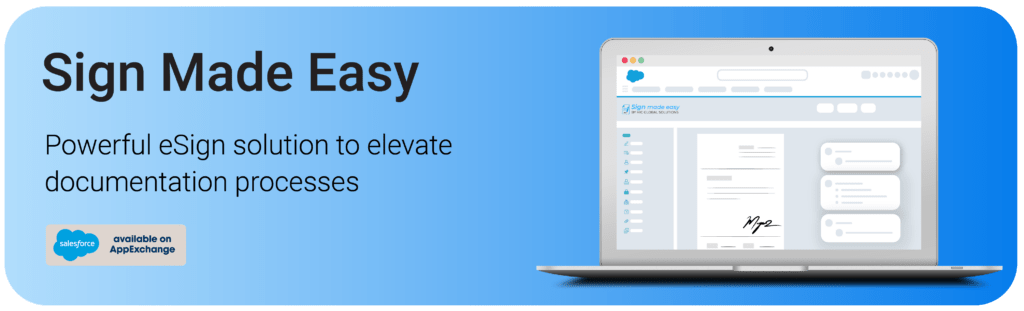
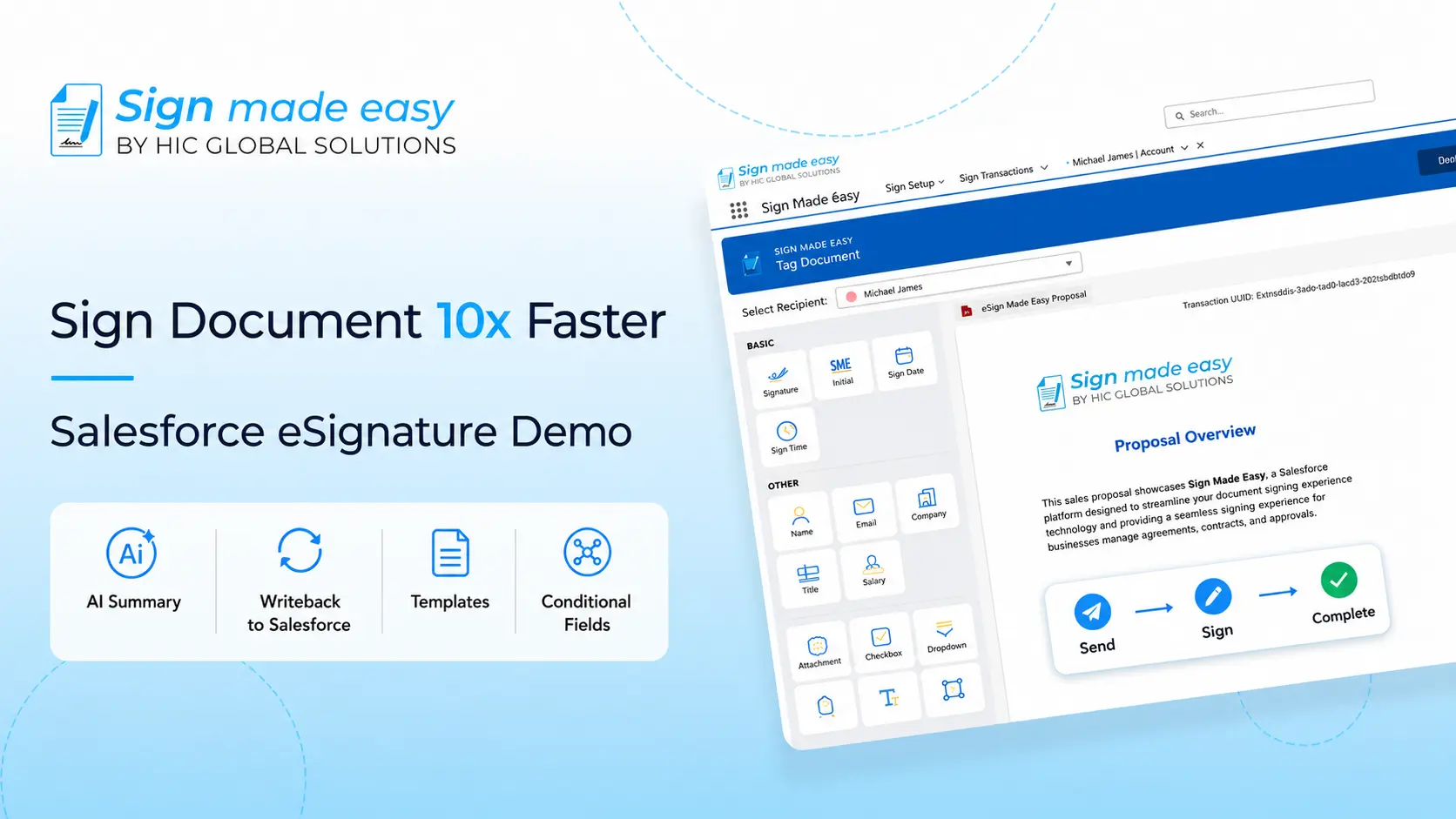
Sign Made Easy tops our list of top eSignature apps 2026 with its simple and easy interface and lightning-fast signing experience within Salesforce. From Opportunity to Contract, it automates everything and the best part, it’s FREE.
Key Features:
- One-click signature from email or mobile
- Customizable workflows and templates
- Supports multiple file types
- Certified secure digital signatures
- GDPR and HIPAA Compliance
Why it stands out:
Affordable pricing and powerful enterprise features without the steep learning curve.
If you’re looking for an intuitive and affordable eSignature app for Salesforce, Sign Made Easy is the go-to tool in 2026.
2. DocuSign for Salesforce
Best for: Enterprise-level workflows and global compliance.
Overview:
A household name in the digital signature space, DocuSign offers robust Salesforce integration with advanced API capabilities.
Key Features:
- AI-powered insights (new in 2026)
- Supports complex approval chains
- High-trust security certifications
- Built-in contract lifecycle management (CLM)
Why it stands out:
DocuSign remains a top pick due to its reputation, enterprise-grade security, and extensive third-party integrations.
3. Adobe Acrobat Sign
Best for: Organizations already using Adobe products.
Overview:
Adobe Acrobat Sign offers seamless integration with Salesforce and the Adobe Cloud ecosystem. It’s an excellent choice for creative and legal teams that rely heavily on PDFs.
Key Features:
- Smart document workflows
- Auto-fill fields via Salesforce records
- Cross-platform usability
- Certified secure digital signatures
Why it stands out:
Its deep Adobe ecosystem integration gives it an edge in brand-driven workflows and content management.
4. PandaDoc for Salesforce
Best for: Sales teams needing quote-to-close automation.
Overview:
PandaDoc simplifies proposal and contract management while offering embedded eSignatures for Salesforce. Great for revenue ops and sales-led teams.
Key Features:
- Document analytics
- Dynamic templates
- CRM-driven workflows
- Fast sign-off from any device
Why it stands out:
It’s more than an electronic signature app; it’s a full proposal automation platform.
5. Dropbox Sign (formerly HelloSign)
Best for: SMBs and teams seeking simplicity.
Overview:
Rebranded as Dropbox Sign, this app is great for teams that want to get up and running quickly with simple but secure eSign functionality in Salesforce.
Key Features:
- Clean, minimal UI
- Mobile-optimized experience
- Easy drag-and-drop document fields
- Real-time tracking
Why it stands out:
Perfect for small teams and fast-moving startups needing reliable digital signatures without bloated features.
How to Choose the Right eSignature Plans for Salesforce?
Selecting the right eSignature plans depends on your business needs, workflow complexity, and budget. Before choosing a plan, consider:
- Team size and the number of users who need access
- Industry compliance and security requirements for your organization
- Pricing model, whether you prefer a flat-rate subscription or pay-per-envelope option
- Automation and customization capabilities to streamline Salesforce workflows
- Mobile accessibility and offline signing features for teams on the go
Most eSignature providers offer free trials or AppExchange demos, allowing you to compare features, evaluate integrations, and choose the eSignature plan that best fits your Salesforce environment.
Future of eSignatures in Salesforce: AI, Agentforce & More
Salesforce eSignature apps will be more than just eSigning by 2026. Salesforce has launched Agentforce for businesses, which incorporates AI into eSignature workflows such as intelligent contract analysis, anomaly detection, and predicting closing dates.
The best eSignature apps for Salesforce improve workflows across departments, including sales, HR, legal, and operations. You can also check the five high-impact eSignature use cases demonstrating how digital signatures will impact business in 2026.
Conclusion
Manual paperwork is the new fax machine. eSignature apps for Salesforce may help your organization automate approvals, increase compliance, and speed up processes. Whether you’re a solopreneur or a Fortune 500 firm, now is the moment to digitize your eSignature process.
If you’re looking for the best eSignature app for 2026, start with this list and prioritize scalability, support, and Salesforce connection.