




Signing documents has changed a lot over the years. Earlier, people had to print a document, sign it with a pen, scan it again, and then send it back. It worked, but it took time and made even a simple approval feel longer than it needed to be. Today, businesses want something easier. They want documents signed quickly, from anywhere, and in a way that feels simple for the person signing.
That is where eSignature tools have become such an important part of modern business workflows. Instead of forcing every signer into one fixed method, newer tools now give people more flexibility. Some prefer typing their name. Some like uploading a saved signature image. Others feel more comfortable drawing their signature directly on the screen. This is exactly what makes multi-input signing so useful.
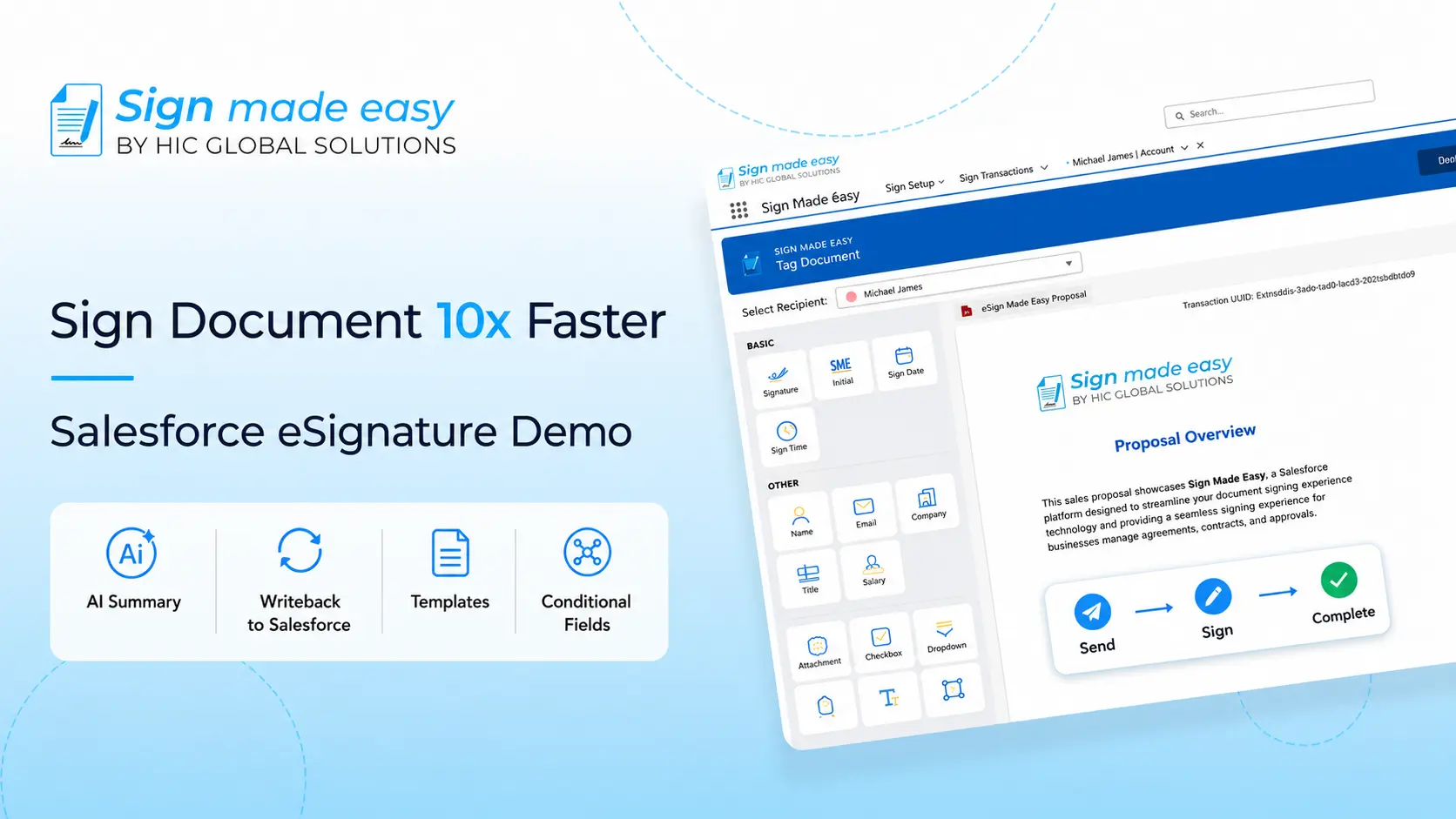
When this kind of signing process is connected with Salesforce integration, it becomes even more valuable. Teams can manage documents, send them for signature, and track the full process without leaving Salesforce. In this blog, we will understand how multi-input eSignature control works, why flexible signing options matter for businesses, and how Salesforce integration helps teams manage the complete signing process more efficiently.
What is Multi-Input eSignature Control?
Multi-input signing means the signer gets more than one way to sign a document.
Instead of seeing only one signature box with one fixed method, the signer can choose how they want to complete it. In most modern setups, this usually includes:
- Typing a signature
- Uploading a signature image
- Drawing a signature by hand
This eSignature technology is becoming more popular because different users feel comfortable with different signing styles. Some people are quick with typing. Some want their signature to look exactly like the one they normally use. Others trust a hand-drawn signature more because it feels familiar.
From a user experience point of view, this small flexibility makes a big difference. People are more likely to complete a document when the signing process feels natural.
And when this is part of a system with Salesforce integration, businesses can keep the whole process inside one workflow instead of jumping between tools.
Why Multi-Input Signing Matters in Real Workflows
Not every customer, client, or employee signs documents the same way. That’s one of the biggest reasons businesses are moving toward more flexible eSign workflows. A lot of businesses think of signatures as the last step in a process. But in reality, it is often the step that decides how quickly a document gets completed.
If the signing experience feels clunky, confusing, or limited, people delay it. They may leave the page, come back later, or ask for another version of the document. That delay affects contracts, approvals, onboarding forms, renewals, and many other everyday processes.
A better eSign experience removes that friction. When signers can choose between typed, uploaded, or hand-drawn options, they are more likely to complete the document right away.
This matters even more when companies rely on Salesforce integration to manage sales or service processes. If the document is part of a deal flow inside Salesforce, every delay in signing can slow the next step.
When the signing flow is connected through Salesforce integration, it becomes even easier for internal teams, too. Sales, operations, and support teams can send documents, follow the status, and manage signed records without needing a separate manual process.
The Three Standard Methods of Digital Signature Input
The reason multi-input signing works so well is that it gives users freedom while still keeping the process structured.
1. Typed Signature
This is usually the fastest option. The signer simply types their name, and the system converts it into a signature style.
For many people, this is the easiest way to complete an eSignature because it takes only a few seconds. It works especially well for approvals, agreements, and internal forms where speed matters.
Typed signing is also useful in business workflows connected through Salesforce integration, where documents often need to move quickly between stages.
2. Uploaded Signature
Some users prefer their signature to look exactly the way they normally write it. In that case, they may already have a saved image of their signature.
This is where uploaded signing becomes useful. The signer can upload the image and place it on the document.
This style of eSignature technology gives a more familiar feel to users who want consistency in how their signature appears across documents.
3. Hand-Drawn Signature
This option feels the most natural for many users. They can draw their signature using a mouse, trackpad, or touchscreen.
For some people, this feels closest to signing on paper. It gives them more comfort, especially when the document is important.
This is one of the strongest examples of how digital signature technology has improved. Instead of forcing people into a rigid process, it allows them to sign in a way that feels natural.
How Salesforce Integration Makes the Process Better
A smooth signing experience is important. But when that experience is built directly inside your main business system, it becomes even more powerful.
With Salesforce integration, businesses do not have to send documents from one platform, track them in another, and store them somewhere else later.
Instead, everything can stay connected:
- Documents can be sent directly from Salesforce
- Signature status can be tracked inside the same record
- Signed copies can be stored back in Salesforce
- Teams can see where the document stands without asking around
This is one of the biggest reasons companies look for Salesforce integration when choosing a signing solution. It saves time, reduces confusion, and it keeps the workflow cleaner for teams who already spend most of their day inside Salesforce.
Sign Made Easy and the Power of Flexible Signing
If your business is looking for a signing solution inside Salesforce, this is where Sign Made Easy stands out in a very practical way.
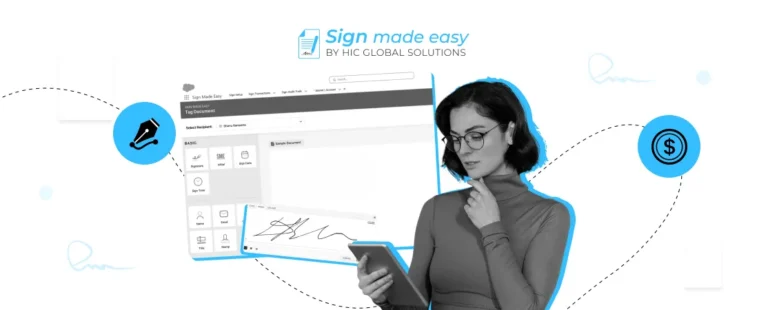
Many tools talk about digital signing, but what really matters is how simple the actual experience feels for both the sender and the signer. Sign Made Easy supports all three signature input methods that businesses often need:
- Typed signatures
- Uploaded signatures
- Hand-drawn signatures
That means users are not forced into one fixed signing style. They can sign the way that feels most natural to them.
This is especially helpful in real-world business use, where one signer may want speed, another may want familiarity, and another may want a more personal hand-drawn option.
Because it works with Salesforce integration, teams can manage the full document process in one place. They can send documents, collect signatures, and keep everything connected without adding extra steps.
This makes eSignature technology much easier to use in everyday business operations.
Why This Matters for Modern Businesses
Businesses today care about speed, AI, and innovation, but they also care about making things easy for customers and internal teams.
A document that gets signed quickly can move a deal forward, complete an approval, or close an onboarding step without delay.
That is why digital signature technology is no longer just a nice extra. It has become a normal part of how businesses work.
And when that signing process is supported by flexible eSign options, people are much more likely to complete the document without friction.
For teams that already rely on Salesforce integration, the value becomes even clearer. The signing process becomes part of the same system they already use every day, which makes adoption much easier.
Final Thoughts
The way people sign documents has changed, and businesses need tools that match how real users behave.
Some people want to type. Some want to upload a saved signature. Others want to draw it by hand. A modern eSignature solution should support all of these options instead of forcing everyone into one method.
That is exactly why multi-input signing matters. It gives flexibility to the signer and helps businesses complete documents faster.
And when this kind of signing is supported through Salesforce integration, the process becomes much smoother for the whole team.
If you want a simple and practical way to manage typed, uploaded, and hand-drawn signatures directly inside Salesforce, Sign Made Easy is a strong option to consider.