




Changing an eSignature platform can feel risky when contracts, approvals, templates, and customer documents are already connected to Salesforce. However, with the right plan, businesses can move to a better Salesforce eSignature setup without putting everyday work on pause.
The key is to understand what your current platform is actually doing before making the switch. Your eSignature for Salesforce setup may be connected to Salesforce records, Flows, templates, notifications, signer rules, and other processes that need to continue working after migration.
In this blog, we will look at how to plan the switch, what to review before migration, why businesses are moving to Sign Made Easy, and how a Salesforce electronic signature platform can support a smoother transition.
Where to Start Before Switching Your eSignature Platform
Before moving to a new platform, first look at your existing signing process from end to end. This makes it easier to understand what needs to be migrated and where your teams may face problems after the change.
Start by listing every document and process that currently uses your signing platform. This can include contracts, proposals, agreements, approvals, onboarding documents, renewals, and other paperwork that regularly moves through your Salesforce environment.
Also check which Salesforce objects, Flows, Apex processes, notifications, integrations, and custom actions are connected to these documents. This gives your team a much clearer picture before anything is changed in your Salesforce eSignature setup.
Review your existing templates and dynamic field merge tags before migration. Check that the fields used in each template are still relevant and that user licenses match the people who need access.
Also review all active automated triggers in Salesforce and confirm that signed historical PDFs are attached to the correct target records. This helps preserve document history and keeps important signed files available after migration.
A signing process rarely ends when someone adds their signature. A completed document might update a Salesforce record, trigger an email, start a Flow, move an opportunity forward, or create another business action.
Understanding these dependencies before switching helps make sure your eSignature workflow continues working instead of leaving employees with manual tasks after the migration.
A platform switch is also a useful time to look honestly at what your team uses. You may find that some features are rarely touched while other requirements, such as better support, automation, AI capabilities, or simpler pricing, have become more important.
This makes the next step easier because you are choosing a platform around actual business needs rather than simply trying to recreate every setting from the old system.
The Best Way to Switch eSignature Platforms Without Disruption
The best way to switch is to move to a platform that works natively with Salesforce and then migrate important workflows in a controlled way. Sign Made Easy is a strong choice for businesses that want a Salesforce eSignature experience without disrupting daily operations.
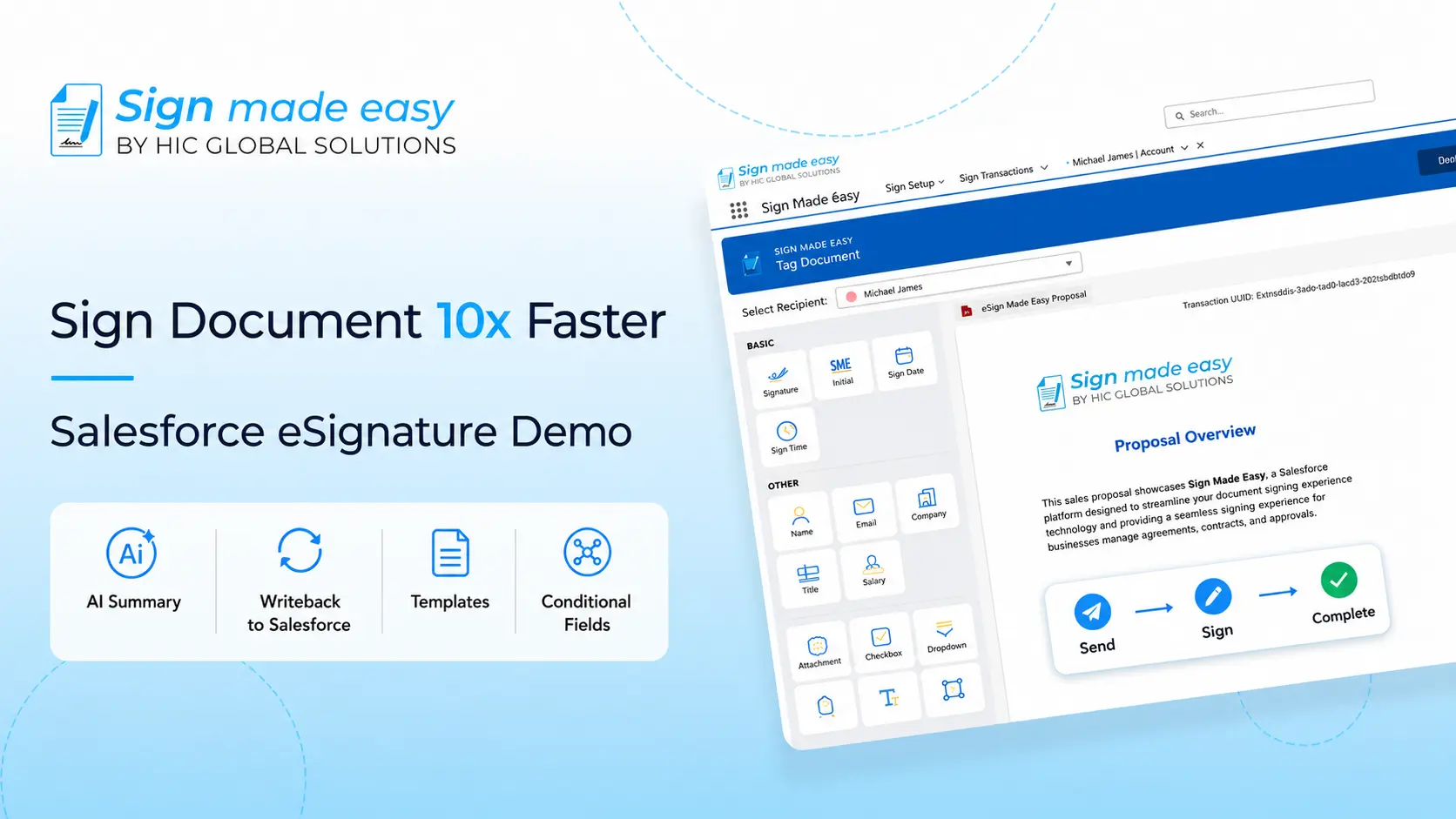
Sign Made Easy provides a Salesforce-native experience where teams can send, track, and manage signatures without constantly moving between different systems. Businesses can start with important workflows, test them properly, and then gradually move additional documents and users.
Why Businesses Are Switching to Sign Made Easy
Businesses switch platforms for different reasons, but the problems are often surprisingly similar. Some want to reduce costs, while others are looking for easier Salesforce connectivity, faster support, better automation, or a simpler eSignature solution for Salesforce.
- AI Summarization: Teams can quickly understand important information in lengthy documents without manually reading through everything before taking the next step.
- Built-in chat support: Users can get assistance directly within the application, making it easier to resolve questions without leaving the workflow.
- Live support: Responsive support can make a real difference when a signing process is business-critical and something needs attention quickly.
- Cost effectiveness: Businesses can move toward a more practical signing setup without continuing to pay for capabilities they may rarely use.
- Salesforce-native experience: Keep signing activities close to Salesforce records instead of making users jump between separate platforms throughout the day.
- Flexible authentication: Support different signing requirements through options such as email, SMS, WhatsApp OTP, and custom passcodes.
- Multiple signing options: Businesses can also support Print and Sign and in-person signing when a standard online signing journey is not suitable.
- Automation: Signing activities can work with Salesforce processes so teams can reduce repetitive manual updates after documents are completed.
- Branded communication: Branded email sending helps businesses maintain a more consistent experience when documents are shared with customers, partners, or employees.
With these capabilities together, Salesforce eSignature can become a more connected part of everyday business processes instead of another separate tool that employees need to manage.
Why Leading Businesses Are Switching to Sign Made Easy
Businesses are already moving from established signing platforms when their existing setup becomes expensive, difficult to manage, or disconnected from the way their Salesforce teams actually work.
- Mountain Mover — switched from Conga Sign and Conga Composer: The company faced high costs, slow support, limited automation, and document workflow challenges. After moving to Sign Made Easy, it reported a 55% cost reduction, improved support response, and stronger automation across its document processes.
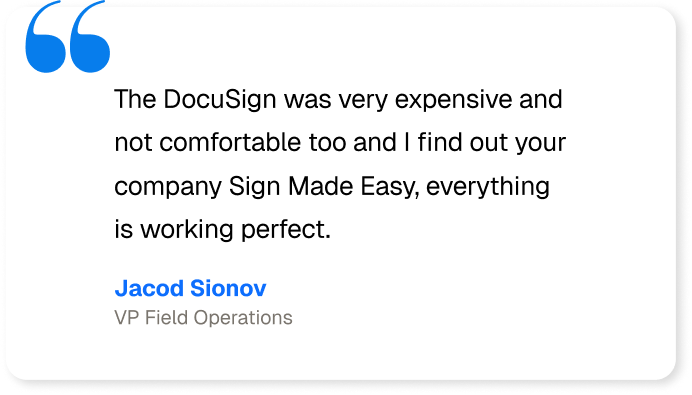
- Aqualife USA — switched from DocuSign: Aqualife had been using DocuSign for several years but found the setup expensive and less comfortable for its Salesforce-based working model. After moving to Sign Made Easy, the company reported a 90% productivity increase and a reduction in document storage.
- Halifax Linen Service — switched from Conga Sign: The team found its previous platform harder to implement and navigate, with signing processes that involved unnecessary complexity. After moving, the company reported a 90% faster eSignature workflow and saved more than 35 hours every month.
These examples show that switching does not always mean rebuilding everything from scratch. With the right eSignature solution for Salesforce, businesses can focus on improving the areas that were creating friction while keeping important processes connected.
A well-planned migration can also make an eSignature for Salesforce setup easier to manage over time. Teams can review what they actually need, test important processes, and move forward without creating unnecessary disruption.
Conclusion
Moving to a new signing platform does not have to mean starting your entire document process again. A planned migration helps businesses review existing workflows, remove unnecessary complexity, and build a smoother Salesforce eSignature experience around how their teams actually work.
Sign Made Easy gives businesses a native way to manage signing activities while supporting automation, flexible authentication, multiple signing options, AI capabilities, and ongoing support. Thus, the switch can become an improvement to your existing setup rather than another complicated project.