






Over the past few years, businesses have increasingly looked for the best DocuSign alternative as their eSignature needs grow. Rising costs, changing requirements, and the need for smoother Salesforce workflows are encouraging teams to explore other options.
Sign Made Easy is emerging as a strong choice for businesses that want eSignatures directly within Salesforce. With Salesforce-focused workflows, automation, security, and document management, it brings signing closer to the CRM teams already use every day.
So, what makes Sign Made Easy different, and how does it compare with DocuSign? Let’s compare the two and look at the features, workflows, and overall experience businesses should consider.
Sign Made Easy vs DocuSign: Why Businesses Are Making the Switch
So, here’s a quick look at DocuSign vs. Sign Made Easy to help you understand the key differences.
| Security / Trust Capability | What it means | Sign Made Easy | DocuSign |
|---|---|---|---|
| AI-Enabled Document Summary | Uses AI to quickly summarize document content and highlight important information. | ✓ | ✓ |
| Salesforce-Native Integration | Manage your complete signing process directly from Salesforce instead of moving between different platforms. | ✓ | ✓ |
| Built Inside Salesforce | Your signing data stays within Salesforce and follows the security and access controls already used by your organization. | ✓ | ❌ |
| Encryption in Transit & at Rest | Keeps your documents and data protected while they are being transferred and stored. | ✓ | ✓ |
| Continuous App Maintenance & Performance Monitoring | Offers dedicated app maintenance, regular feature updates, and performance optimization to keep the app running smoothly. | ✓ | ❌ |
| Role-Based Access | Give team members access to only the documents and actions they need for their role. | ✓ | ✓ |
| Built-in App Support | Get help directly inside the app without leaving Salesforce or searching somewhere else. | ✓ | ❌ |
| Tamper-Evident Audit Trail | Keeps a secure record of the signing process so you can see what happened at every step. | ✓ | ✓ |
| Salesforce Data Update / Writeback | Sends the information collected during signing back to the related Salesforce record automatically. | ✓ | ✓ |
| 24/7 Live Support | Get help from the support team whenever you need assistance with the product or signing process. | ✓ | ❌ |
| Custom Email & Branding | Customize your signing emails with your own branding, logo, and messaging. | ✓ | ✓ |
| Simplified User Experience | A clean, intuitive interface that makes signing documents easy and straightforward. | ✓ | ❌ |
| Advanced Audit Trail & Tracking | Track every detail of the signing process, from who opened the document to when it was viewed, signed, and completed. | ✓ | ✓ |
| Cost-Efficient Pricing | Get the eSignature features your business needs without paying for unnecessary extras or complexity. | ✓ | ❌ |
Is It Time to Switch From DocuSign?
Businesses do not usually start looking for a new signing platform just because they want another tool. Most of the time, the reason is practical: pricing, complicated licensing, integration challenges, or a workflow that has become harder to manage.
- High Pricing – For growing teams and startups, DocuSign costs can become difficult to manage as document volume increases.
- Complex Licensing Models – Businesses may end up paying for features or usage levels that do not match their actual requirements.
- Integration Limitations – Salesforce teams may want a signing workflow that feels more connected to their CRM instead of operating separately.
- Migration Concerns – Moving templates, workflows, users, and existing processes can make switching seem more complicated than it needs to be.
- SMB Accessibility – Smaller and growing businesses often look for flexible signing options that can scale with them.
For teams already working extensively in Salesforce, an eSignature for Salesforce solution should ideally fit into the existing CRM instead of creating another disconnected process. Thus, this is where a Salesforce-focused signing platform can make the switch worth considering.
Why Choose Sign Made Easy?
#1 App on Salesforce AppExchange
Sign Made Easy is available directly through Salesforce AppExchange, making installation easier for Salesforce teams. With a 4.92 AppExchange rating, giving businesses another useful point to consider when evaluating their options.
For teams searching for the best DocuSign alternative, Sign Made Easy is the best option considered by Salesforce users.
Businesses Are Switching From DocuSign
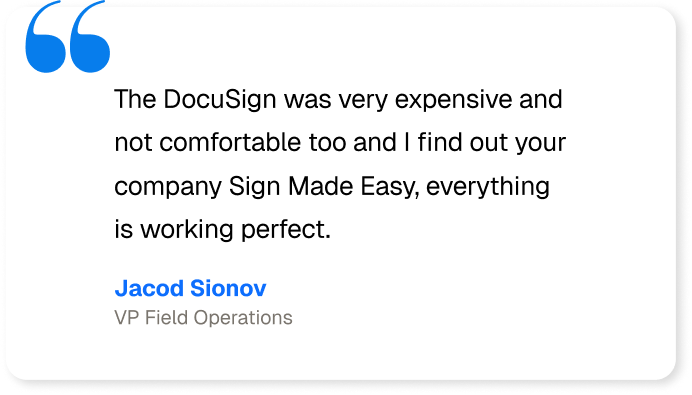
A good DocuSign alternative should not only look good on a feature list. Real customer experiences matter too, and there are many businesses that moved from DocuSign to Sign Made Easy.
- Aqualife USA: The company had used DocuSign for around five years and found the setup expensive and less comfortable for its Salesforce environment. After switching, Aqualife reported a 90% productivity increase and 60% reduction in document storage usage.
-
Businesses like Mountain Mover and Halifax Linen Service have also switched from other eSignature solutions to Sign Made Easy for its simplified signing process, value for money, and advanced features that make document management easier.
This is where Sign Made Easy becomes the best DocuSign alternative enterprises are switching to. Businesses usually switch because something in their existing process has become expensive, difficult, disconnected, or simply frustrating to manage every day.
Built Specifically for eSignatures
A Dedicated Support Manager
Conclusion
Choosing the best DocuSign alternative does not mean simply finding another tool with a signature button. It means finding a platform that fits your Salesforce setup, supports your signing workflows, and makes everyday document processes less complicated.
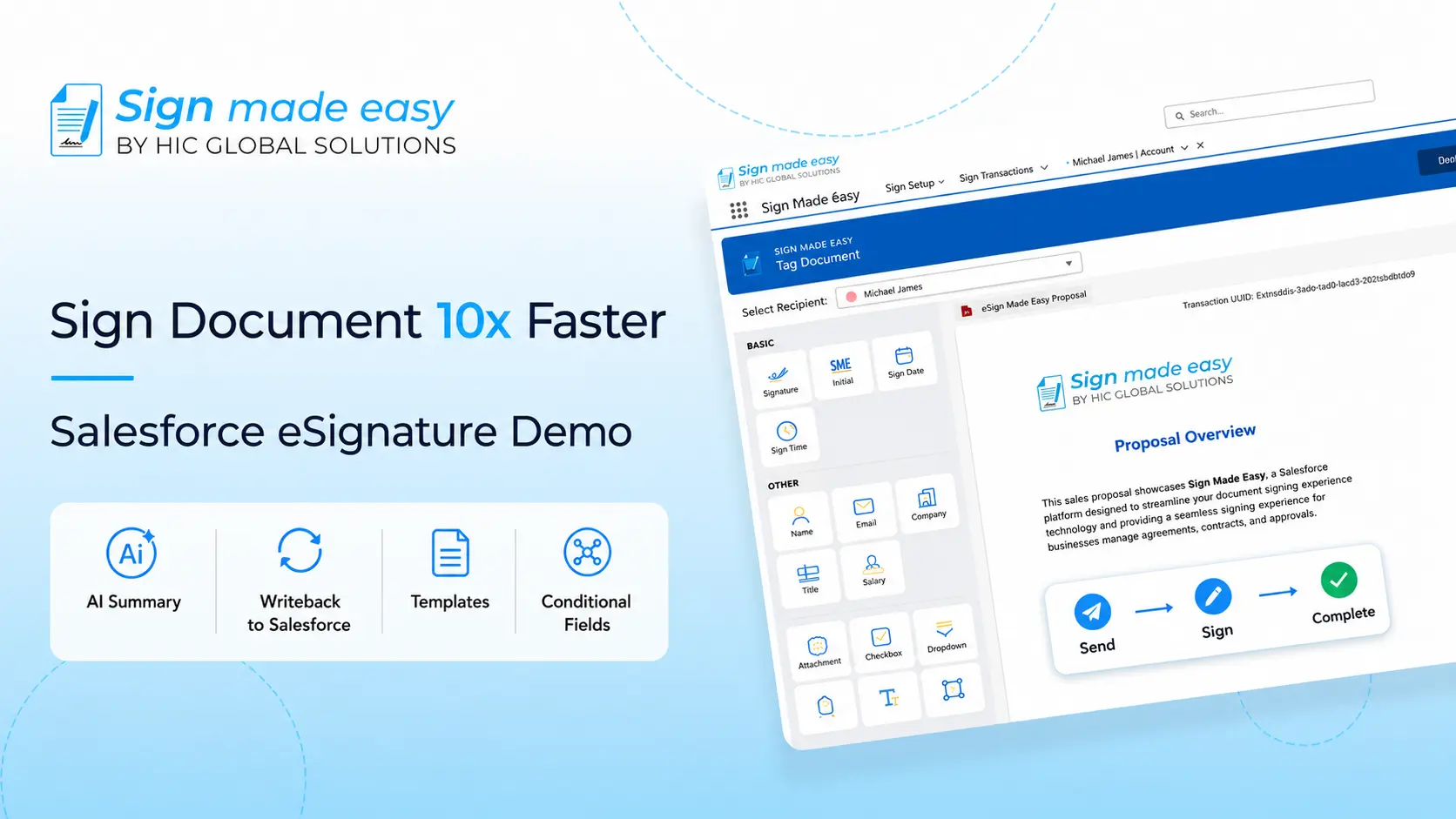
Sign Made Easy brings eSignatures directly into Salesforce while supporting automation, templates, audit trails, authentication, in-person signing, and integrations with document generation tools. For businesses looking for an esignature solution without adding another disconnected workflow, it is worth exploring.
Ready to simplify your Salesforce signing process? Install Sign Made Easy from Salesforce AppExchange and start building a smoother eSignature workflow today.