






When it comes to choosing the best Salesforce eSignature tool, most businesses don’t just look at features anymore. They look at how easily the tool fits into their daily workflow, how smoothly it works with Salesforce, and how much time it actually saves their teams.
That’s exactly why the conversation around DocuSign vs Adobe Sign has become so common. Both tools are widely used, trusted, and promise to simplify document signing. But when you actually start using them inside a Salesforce-driven environment, the differences begin to show.
In this blog, we will break down the key differences in DocuSign vs Adobe Sign, explore where each tool performs well, highlight their limitations, and also look at better DocuSign alternatives and Adobe alternative options that may fit more naturally into Salesforce-driven workflows.
DocuSign vs Adobe Sign: Detailed Comparison
At a glance, both tools look quite similar. They allow you to send documents, collect signatures, and manage agreements digitally. However, when you go a little deeper, especially from a Salesforce perspective, the experience can feel quite different.
Here’s a quick side-by-side comparison to make things easier.
| Feature | DocuSign | Adobe Sign |
|---|---|---|
| Ease of Use | Very user-friendly interface, easy onboarding | Slightly more complex for new users |
| Salesforce Integration | Strong Salesforce DocuSign integration with pre-built connectors | Native integration, but requires more configuration |
| Customization | Flexible templates and workflows | Effective customization, but more structured |
| Pricing | Becomes expensive with advanced features | Competitive pricing depending on the Adobe ecosystem |
| Security | High-level compliance and encryption | Strong compliance backed by Adobe security standards |
| User Experience | Powerful but can feel complex for new users | Feature-rich but may feel complicated initially |
When evaluating DocuSign pricing vs Adobe Sign pricing, the right choice often depends on how deeply your team is invested in Salesforce and how flexible you need your document workflows to be.
Limitations of DocuSign and Adobe Sign
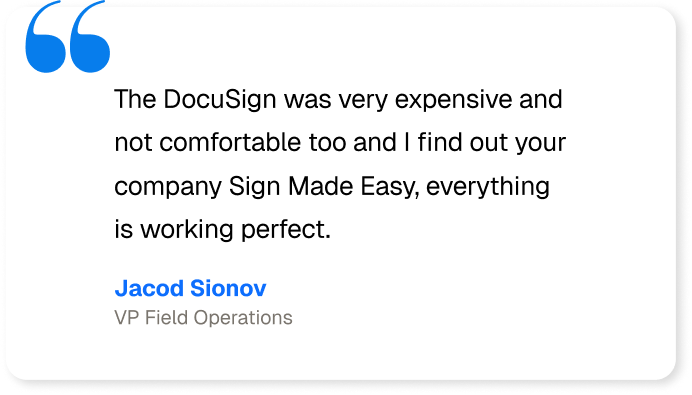
Even though both tools are powerful, they are not without challenges. Businesses often start exploring DocuSign alternatives or an Adobe alternative when they face limitations in day-to-day operations.
Here are some common limitations:
High Cost at Scale:
Pricing can increase quickly with both tools. DocuSign plans usually start around $10–$25 per user/month and go higher for business features, while Adobe Sign starts near $34 and increases with advanced capabilities. As document volume grows, overall costs can become difficult to control.
Complex Setup for Advanced Workflows:
While sending documents for signature is simple, setting up advanced approval flows or conditional routing can feel technical. With both DocuSign and Adobe Sign, teams may need higher-tier plans or admin support to properly configure more complex workflows.
Limited Flexibility for Custom Use Cases:
Both platforms work well for standard agreements, but businesses with unique document generation processes may feel restricted. Custom logic, dynamic content rules, or specialized requirements sometimes require additional configuration or external tools.
Salesforce Integration Gaps:
Although both solutions offer Salesforce integration, some workflows still require switching between systems. Certain automation scenarios may need extra setup, which can make the overall process feel slightly disconnected instead of fully seamless.
Bulk Operations Challenges:
Managing a high volume of documents can take extra effort. Tracking multiple approvals, monitoring status updates, or handling large batches may become repetitive and time-consuming for teams using either platform.
Complex for Non-Technical Users:
For new users, especially non-technical teams, understanding advanced settings can take time. Adobe Sign can feel slightly more complex within the broader Adobe ecosystem, while DocuSign’s advanced features may also require some initial training.
Because of these limitations, many organizations start looking for smarter DocuSign alternatives or a more flexible Adobe alternative that fits better into Salesforce-native environments.
Instead of continuing with tools that only partially fit, many teams are now shifting toward solutions that are designed to work more naturally within Salesforce itself. And honestly, that shift makes sense.
When your CRM is already central to your operations, your signing process should feel like a part of it, not something separate.
Which is the Best eSign App in Salesforce AppExchange?
Tools like DocuSign and Adobe Sign work well, but for many teams, they still feel like add-ons. You often have to move between systems or manage extra integrations, which makes the signing process feel separate from Salesforce instead of part of it.
Sign Made Easy is built with that exact idea in mind.
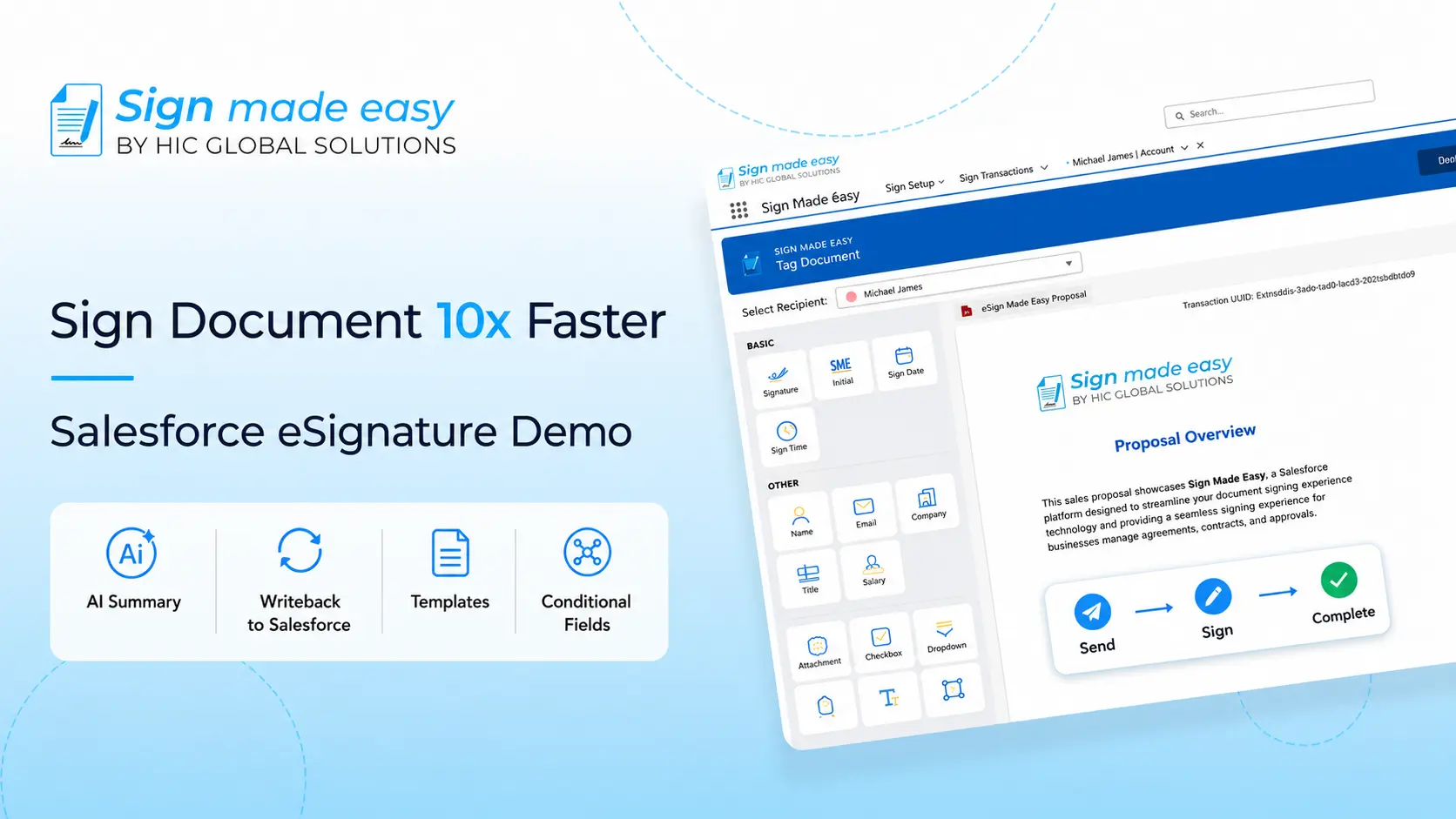
Instead of adding another external tool to manage, this Salesforce eSignature solution focuses on simplifying document signing directly inside Salesforce. For teams comparing DocuSign vs Adobe Sign, this kind of approach feels much more practical, especially when speed and simplicity matter.
It is not just about replacing tools; it is about improving how the entire document process works.
Why Sign Made Easy Is the Smarter Choice
What makes Sign Made Easy stand out is not just features but how naturally everything fits together. It removes unnecessary steps and keeps the process clean and easy to manage. It’s one of the simple yet reliable eSign apps.
Here are some of the features that really make a difference:
1. Strong Security You Can Rely On
Documents are protected with enterprise-level security, including GDPR compliance, HIPAA readiness, 256-bit encryption, and SOC 2 Type II standards. This means businesses can confidently manage sensitive data without worrying about compliance risks.
2. AI-Powered Summarization for Faster Decisions
Long documents can be time-consuming to review. With AI summarization, users can quickly understand key points before signing, which makes the entire process faster and more efficient.
3. Works Smoothly Inside Salesforce
Unlike tools that rely heavily on external setups, Sign Made Easy works naturally within Salesforce. Compared to traditional Salesforce DocuSign integration, the process feels much more seamless and less dependent on multiple systems.
4. Automated Workflows Without Complexity
You can set up document approvals, routing, and notifications without getting into complicated configurations. It keeps things simple while still giving you control.
5. Easy Customization for Business Needs
From templates to branding, businesses can create documents that match their exact process and style without struggling with rigid structures.
6. Real-Time Tracking and Updates
You always know where your document stands. Real-time tracking enables teams to monitor the status of their documents, whether they are signed, pending, or delayed, without the need for constant follow-ups.
Final Thoughts
When you look at DocuSign pricing vs Adobe Sign, both tools have clearly earned their place in the market. They are reliable, widely used, and capable of handling most standard signing needs.
You can check out the Sign Made Easy, Adobe Sign and DocuSign pricing to get a better understanding of the usage according to your business needs
However, as businesses grow and workflows become more complex, the limitations of these tools become more noticeable. That is precisely why many teams start exploring better DocuSign alternatives or searching for a more practical Adobe alternative that fits naturally into their existing systems.
At the end of the day, the right solution is not just about features; it is about how easily your team can use it every day without friction. And for Salesforce-driven teams, choosing a tool that works smoothly within the platform can make a bigger difference than expected.
That’s where Sign Made Easy comes in, built to work directly inside Salesforce for a simpler, faster signing experience. You can explore and install Salesforce eSignature solution today from the Salesforce AppExchange.